


Every time you save a photo, download a receipt, attach a document to an email, or open a video, you get a file with a different extension. JPG, HEIC, PDF, MP3, SVG, you name it.
But what is a file extension? Why do you need it? How do you handle different extensions? Let’s have a look.
File extension definition: the short version
A file extension is the suffix at the end of a filename, separated from the name by a dot. For instance, city-photo.jpg, the name is city-photo and the extension is .jpg.
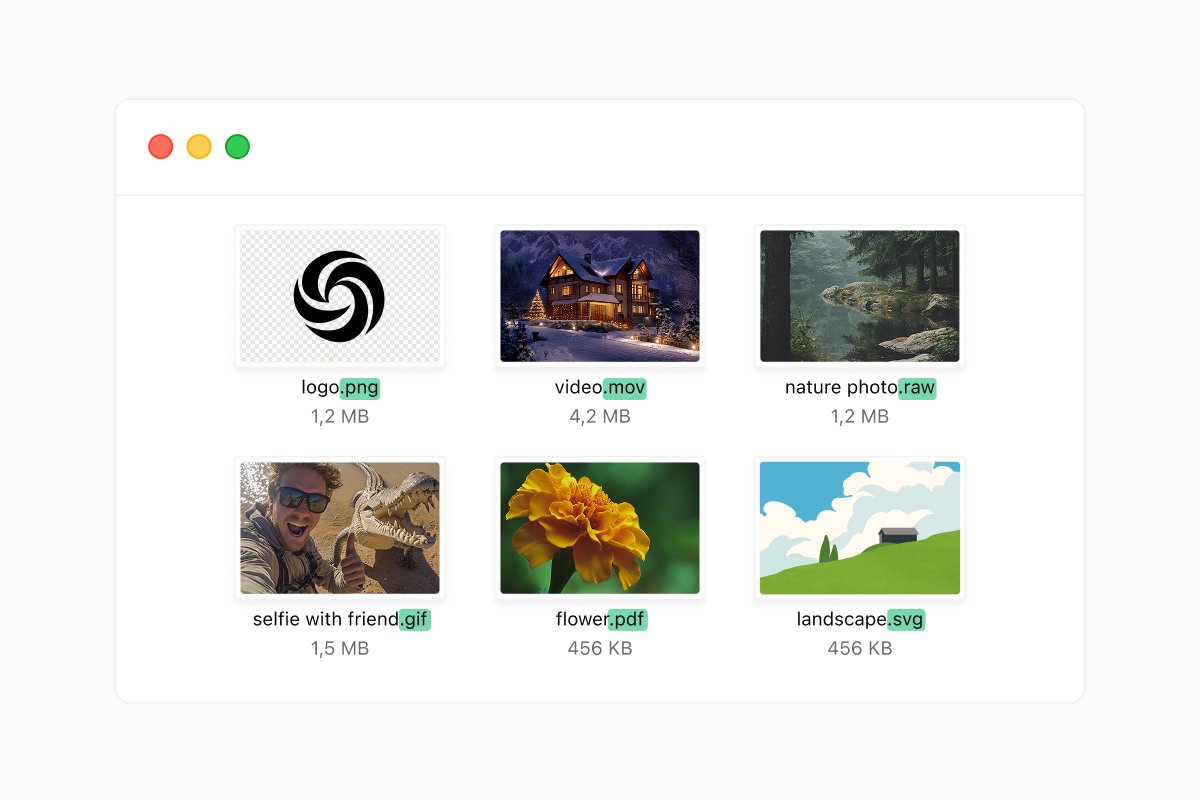
They are usually 2-3 characters long. Older systems like MS-DOS capped extensions at three letters, which is why so many classic ones (.exe, .txt, .gif) are exactly three.
That suffix tells the operating system what format the file uses and which program knows how to read it. If you double-click a .docx file, your computer understands it’s a Word document and immediately opens it in Microsoft Word or another default app. If you double-click an .mp3 file, the computer opens it in the music player.
What’s the purpose of a file extension?
A file extension allows the software to understand how to handle a file without opening it first. But also at the same time, it lets you recognize what’s inside without even opening the file.
Strip the extension away, or change it to the wrong one, and the file doesn’t transform into something new. If you change an MP3 file to PDF, it won’t automatically show the song lyrics, graphics in PDF. It just becomes harder to recognize.
Common file extensions you’ll actually run into
You don’t need to memorize a dictionary of these. A few dozen cover almost everything most people use in a year.
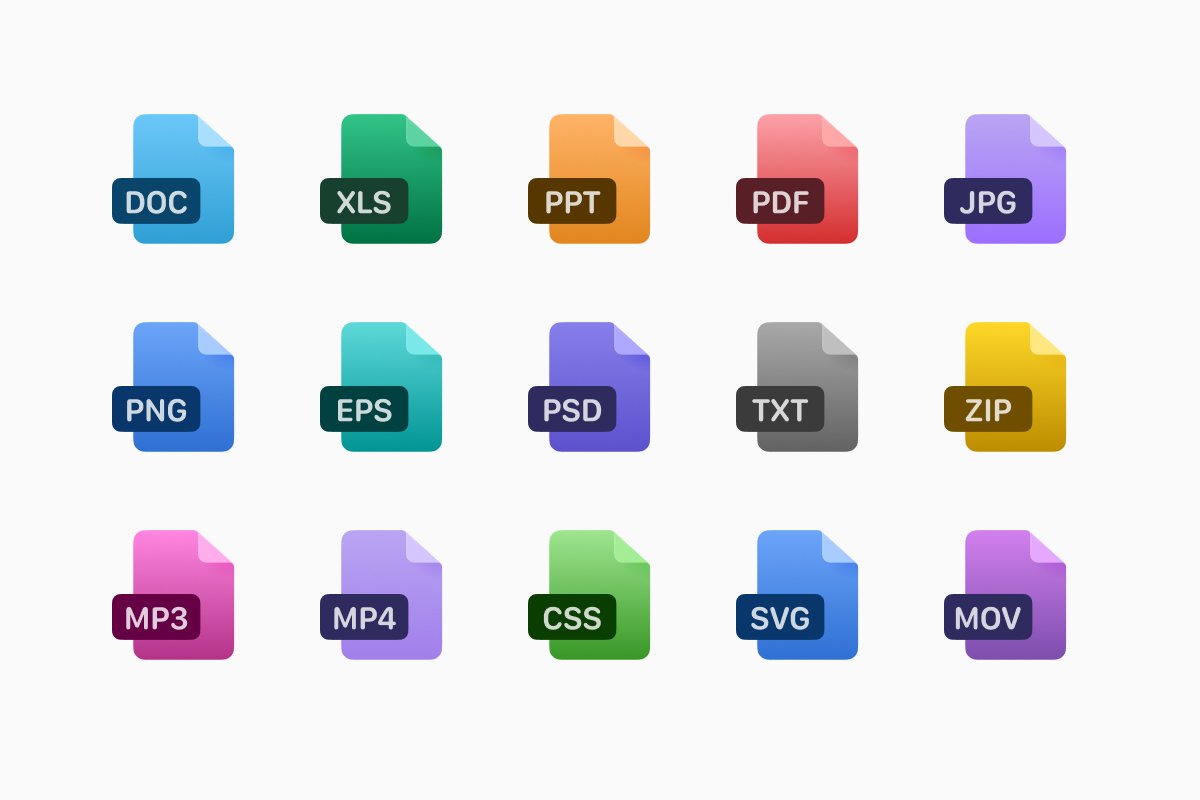
For documents and text, you’ll see .pdf for fixed-layout files that look the same everywhere, .docx for Word documents, and plain .txt for raw text with no formatting.
Spreadsheets have .xlsx (Excel) or .csv (a simple comma-separated format that almost any data tool can read). Slideshows arrive as .pptx.
Photos and images are .jpg (or .jpeg), .png handles graphics and screenshots, .gif covers short looping animations. High Efficiency Image Container (or .heic) is an Apple photo format that holds roughly half the storage space .jpeg does. For vector and scalable graphics, you will see .svg, a resolution-independent format that stays sharp when you print it.
As for video and audio formats, you can find .mp3, .wav, .mp4, and .mov. You can also encounter .yaml or .yml, human-readable data files used in programming or settings.
|
Document files |
Image files |
Audio and video files |
Compressed and executable files |
|
.doc/.docx .txt .xls/.xlsx .ppt/.pptx .odt |
.jpeg/.jpg .png .gif .svg .tiff |
.mp3 .wav .mp4 .mov .avi |
.zip .rar .exe .dmg |
Most of these are intuitive once you’ve seen them a couple of times. The interesting ones are the formats that show up unexpectedly and leave people googling.
Watch out for malicious file extensions
By default, both Windows and macOS hide extensions for file types they already recognize, on the theory that “My Resume” looks tidier than “My Resume.docx”. The downside is that you can’t always tell at a glance whether a file is a document, an image, or something else, and it makes a sneaky trick possible: a file named invoice.pdf.exe can look like a harmless PDF while actually being a program.
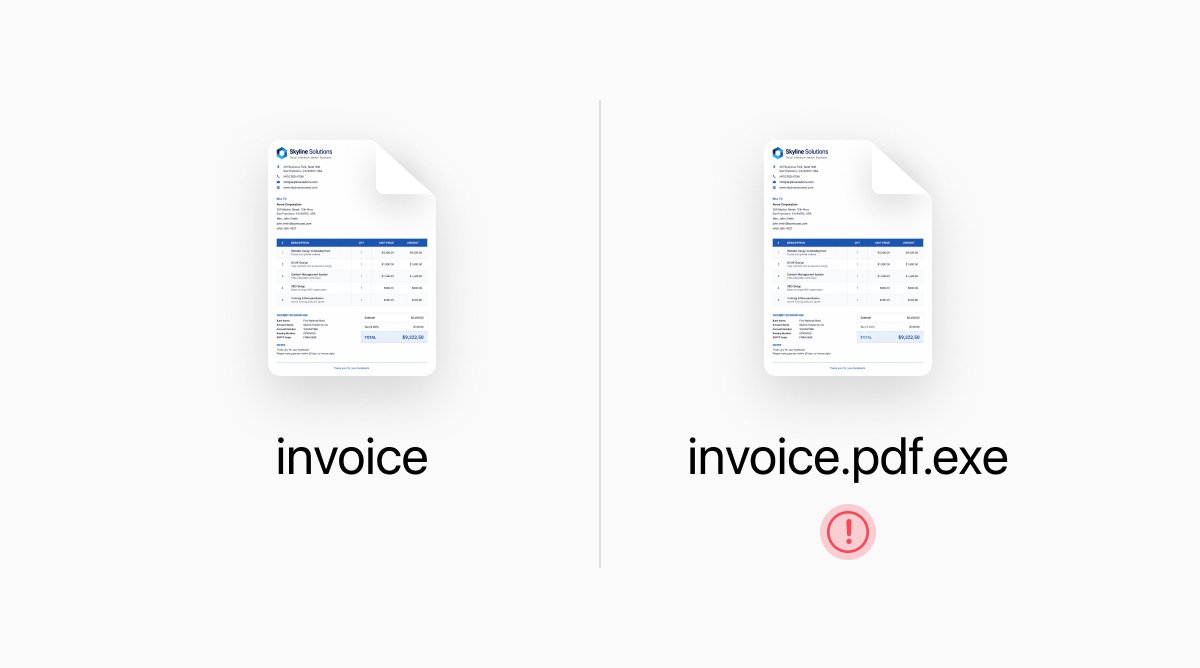
Not every extension is harmless, and a few are worth treating with real caution.
The riskiest ones are programs that run code the moment you open them. On Windows, that means extensions like .exe, .msi, .scr, .bat, .cmd, and .com. Script files such as .vbs, .js, .ps1, and .jar belong on the same watch list, because opening one can quietly tell your computer to do whatever the file’s author wants.
Office files have their own twist. The standard .docx and .xlsx are safe, but their macro-enabled cousins .docm and .xlsm can carry small embedded programs that trigger when you allow content. That’s why opening a Word file from a stranger and clicking “Enable Editing” or “Enable Content” without thinking is a well-worn path for malware. Archives like .zip and .rar should be handled with care, too.
None of this means you should be afraid of files. It means the source matters more than the extension. If you’re doubting, don’t open it and let your security software or a quick scan have the first look.
Tips for managing file extensions
Convert instead of renaming. Don’t change extensions manually unless you know what you’re doing (it can make files unopenable). When you need to change a format, convert the file format, not just rename it to create a copy and preserve the original.

Match the format to the task. Use PNG or SVG when you need a transparent background, JPEG for photos, PDF for anything that has to look identical on every device, and CSV when you want data that almost any program can read.
Be cautious with extensions you don’t recognize. When you receive a file in an email with the file format you don’t recognize (like.exe or .scr) it might be a classic malware tactic.
Use a reliable file manager. To make sure you don’t get surprised with the wrong file extension, open files in a manager that shows file types plainly.
FAQ
What file type has transparent background?
PNG files support transparency, perfect for logos, overlays, and graphics.
What is a HEIC file extension?
HEIC is a High Efficiency Image Container. Newer iPhones use this to save space while keeping great quality. Some older apps can’t open it natively.
What is SVG file format used for?
SVG stands for Scalable Vector Graphics. It’s often used for logos, icons, web graphics, and printing in general.
Latest posts

Knowledge Base
Video file formats explained: MP4, MKV, AVI and more
Learn the difference between video file formats (MP4, MKV, AVI, MOV, WebM) and codecs (H.264, H.265, AV1). Find out which format is best for social media, professional editing, and universal compatibility in 2026.

Knowledge Base
The beginner photographer’s guide to file conversion (RAW, JPEG, TIFF, PNG)
A beginner-friendly guide to converting RAW, JPEG, TIFF, and PNG photos. Learn quality tradeoffs, export settings, and smart archiving habits for web and print.

Knowledge Base
How to make a GIF: simple steps to create and share loops online
Making a GIF is simple: trim a short moment from a video, convert it, and save the loop. Whether you’re using a browser-based converter like Documents.io or an app, the key is to keep it short, clean, and seamless for easy sharing anywhere.