


Most people searching for ways to download YouTube videos want to solve one of two issues: watch something without a connection or have a file they actually own.
YouTube has no good answer for people who want to keep a video. Premium gives you something that expires in 29 days and won’t leave the app. Every web converter is either capped at 720p, buried in ads, or both. So, here are four options you can use and how.
Option 1. YouTube Premium and Premium Lite: official subscription
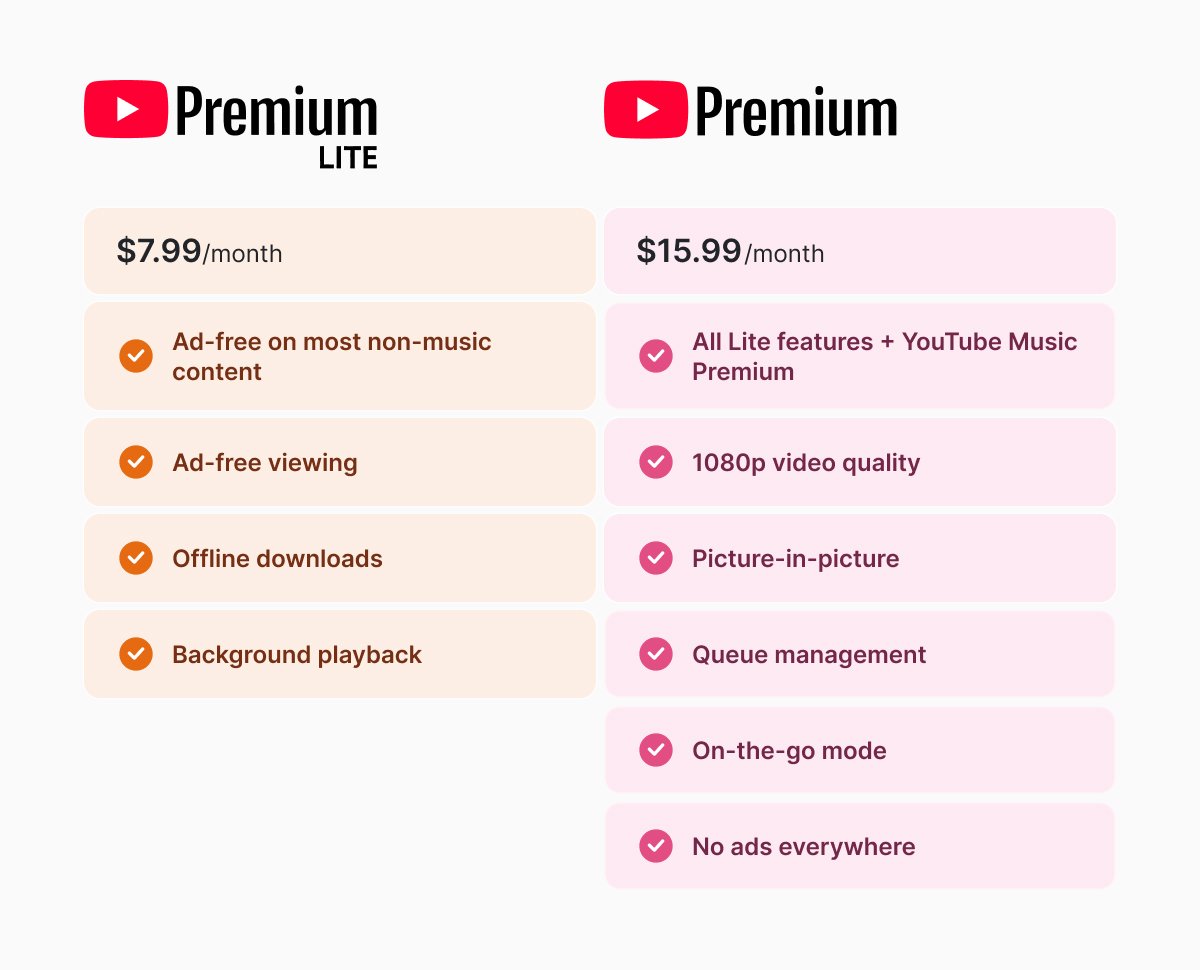
YouTube’s own subscription is the easiest and safest way. You can select one of the two subscriptions: Premium and Premium Lite.
YouTube Premium Lite, which costs $7.99 per month for US users, added downloads and background playback in February 2026. Previously, the plan only had ad-free viewing on most non-music content, so this was a real improvement.
YouTube Premium, which is a bit pricier, $15.99 per month, adds YouTube Music Premium along with extras like queue management, on-the-go mode, no adds, and better video quality (1080p).
Both plans share the same restriction: you’ll be able to play downloaded videos offline for only up to 29 days. Then, you’ll need to find an internet connection to renew your “offline cycle”.
And technically, you still won’t “own” the videos, so you won’t be able get your files outside the YouTube app, send them to another device, or keep them after canceling your YouTube subscription.
Option 2. yt-dlp: the best free option
If you want to keep your video not only for 29 days but forever, you can use yt-dlp. It’s a free, open-source command-line downloader that runs on Windows, Mac, and Linux.
It works by extracting the direct media streams from a URL and saves them to your computer. You then need to run it from the terminal with simple commands. You can even download an audio separately from the video, if you want.
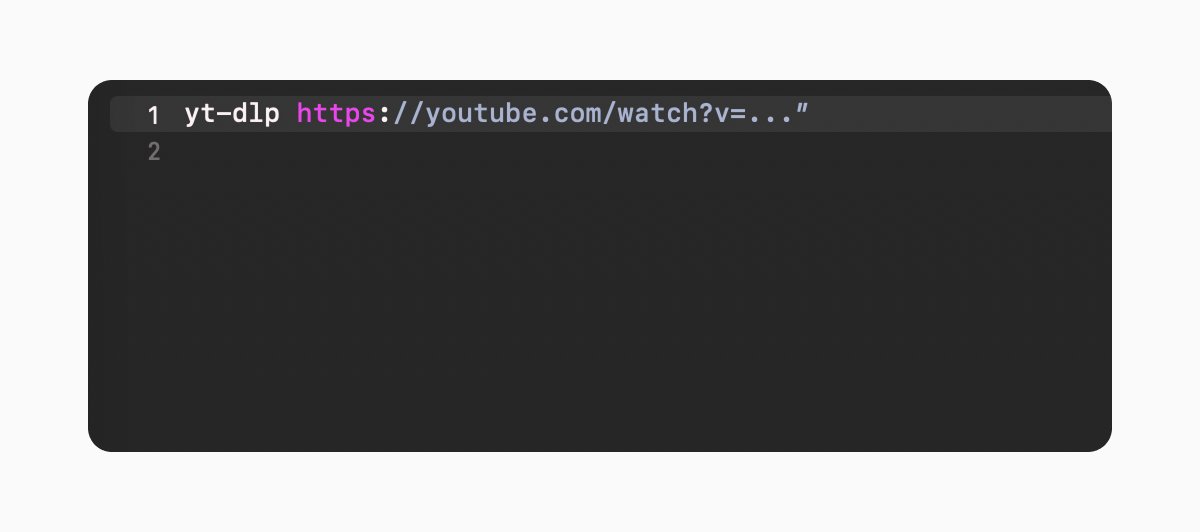
The best thing of this method is that it supports multiple qualities and formats of video and audio, subtitles, thumbnails, metadata, and post-processing, like merging audio/video or converting to MP4/MP3. If you want even better results with format merging and conversions, download FFmpeg (for free).
Option 3. GUI-based downloaders
If you aren’t sure how to use the terminal or maybe you prefer not to, you can still get your YouTube video file.
4K Video Downloader, Stacher 7, and YTDown are the most popular options. These programs use yt-dlp or their own methods to download videos. Just put the URL into the app, choose the format and quality you want, and then download it.
Some are simple to use and free, and others are paid and not necessarily secure. So before you use any of them, make sure to check the reviews and see the latest updates.
If you aren’t sure, use a GUI-based downloader for individual files, rather than for bulk downloads or specific file formats.
Option 4. Browser-based converters
The search "youtube to mp4" returns dozens of web tools. The browser-based converters are the easiest to work with because all you need is to paste a URL and wait.
Just like with GUI apps, browser-based converters are fine for a single video you need once, but the quality may come up 720p or even lower, depending on the site you’re using. And they rarely support playlists and usually contain dozens of ads on the page.
Comparing download methods
|
Method |
Legality |
Permanent |
Cost |
|
YouTube Premium/ Lite |
Highest |
29 days |
Subscription |
|
Desktop Software (4K/yt-dlp) |
Good (personal use) |
Yes |
Free/Paid |
|
Online Converters |
Risky |
Yes |
Free (ads) |
Platform differences to keep in mind
The tools are basically the same across operating systems, but the setup can be different.
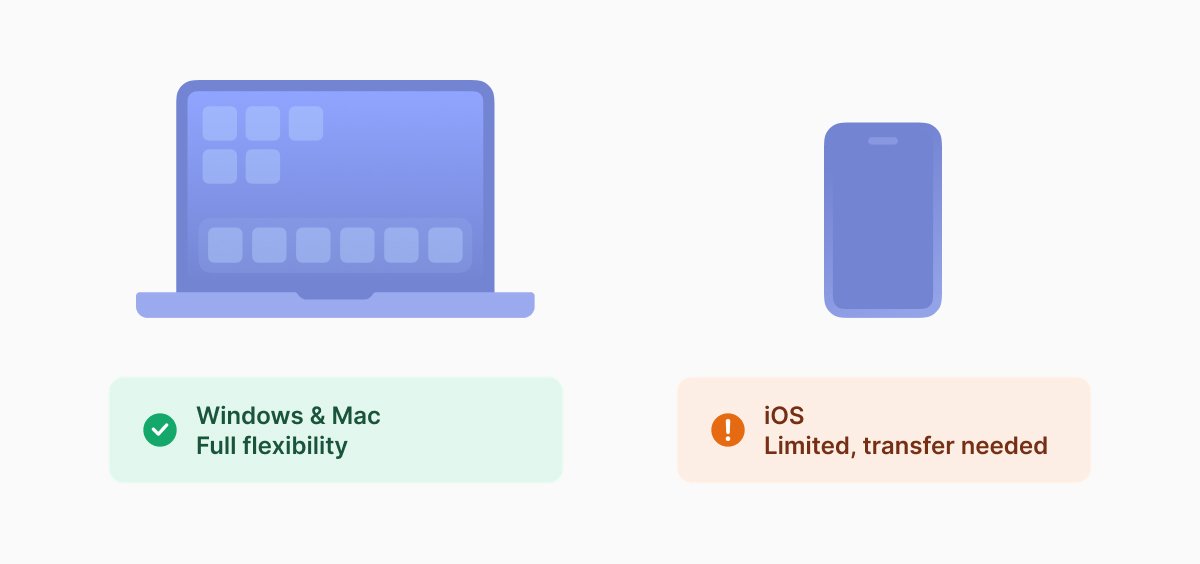
Windows and Mac users have the most flexibility with both command-line (yt-dlp) and GUI tools. But iPhone/iPad users face more restrictions, direct downloading is limited, so the best choice is downloading on a computer and transferring files to your phone.
What happens after the download
A few things worth considering after you’ve downloaded your YouTube file.
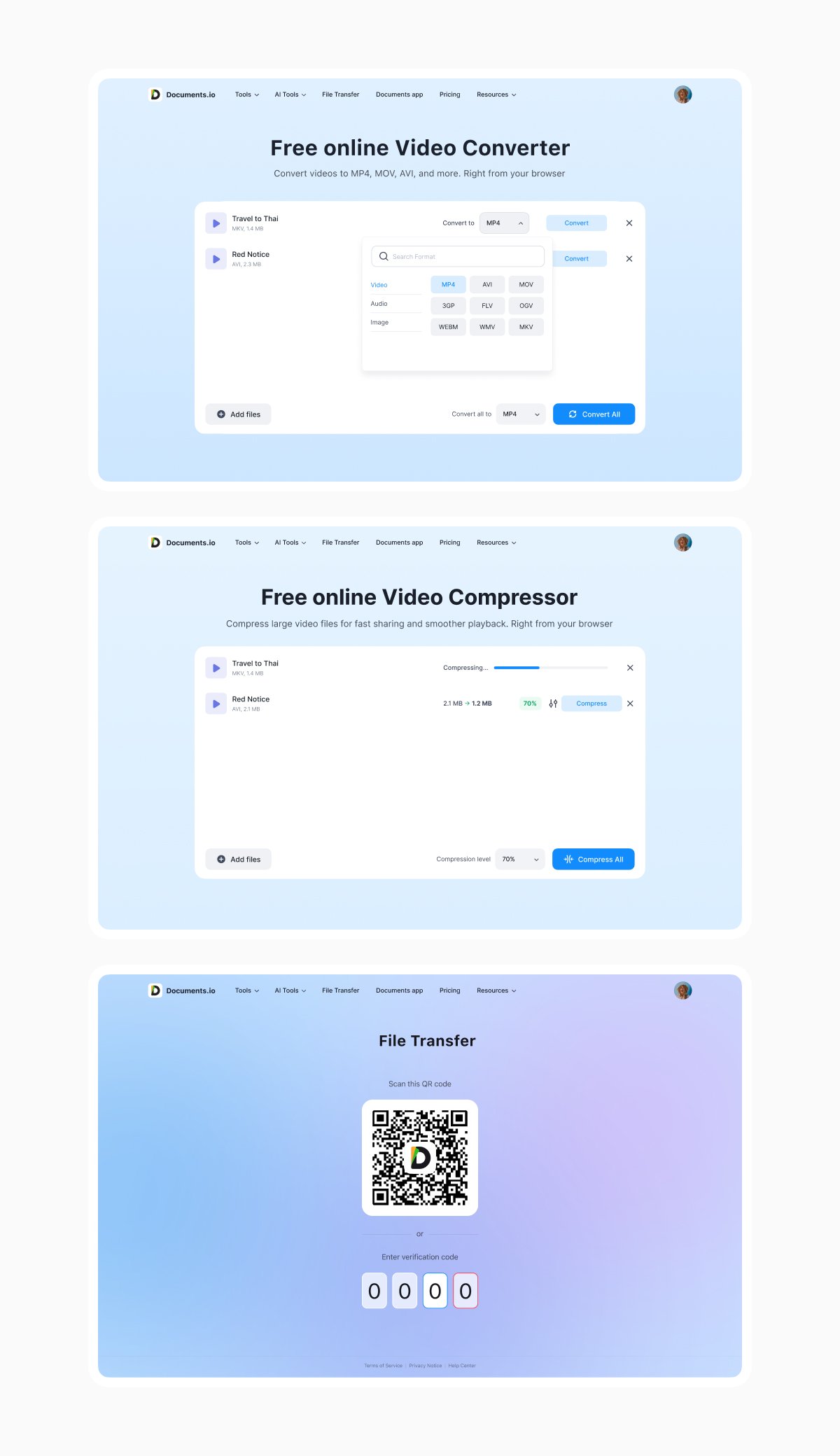
- If the format doesn’t play on your device, Documents.io’s MP4 converter helps you get your file in another format in the browser for free without any account required.
- If storage is a concern, Documents.io’s file compressor can reduce video file size, while not reducing quality.
- If you need the video on another device, Documents.io’s file transfer moves files across devices through a QR code.
A note on terms of service
YouTube’s terms don’t allow downloading videos without explicit permission from YouTube or the content creator, except for content YouTube itself makes available for download (like Premium offline viewing). Third-party tools, including yt-dlp, fall under that prohibition. This is mainly regarding commercial redistribution rather than personal offline viewing.
FAQ
How can I download YouTube videos permanently?
Through a third-party tool. Use yt-dlp to get videos directly to your computer as an MP4 or other format you choose.
Can I download videos from YouTube and watch offline?
Yes. You can download and watch videos offline by buying a subscription to YouTube Premium. You will then be able to access your videos inside the app, watch them offline and in the background.
Is it legal to download YouTube videos?
Downloading YouTube videos is legal for personal use only if you don’t redistribute the content.
Can I download entire YouTube playlists or channels?
Yes, yt-dlp and GUI-based downloaders support downloading entire playlists and channels.
Latest posts

Knowledge Base
Video file formats explained: MP4, MKV, AVI and more
Learn the difference between video file formats (MP4, MKV, AVI, MOV, WebM) and codecs (H.264, H.265, AV1). Find out which format is best for social media, professional editing, and universal compatibility in 2026.

Knowledge Base
The beginner photographer’s guide to file conversion (RAW, JPEG, TIFF, PNG)
A beginner-friendly guide to converting RAW, JPEG, TIFF, and PNG photos. Learn quality tradeoffs, export settings, and smart archiving habits for web and print.
Knowledge Base
How to make a GIF: simple steps to create and share loops online
Making a GIF is simple: trim a short moment from a video, convert it, and save the loop. Whether you’re using a browser-based converter like Documents.io or an app, the key is to keep it short, clean, and seamless for easy sharing anywhere.