
Documents app
The best file manager for
iPhone and iPad
Your all-in-one app for managing your files. Powered by AI

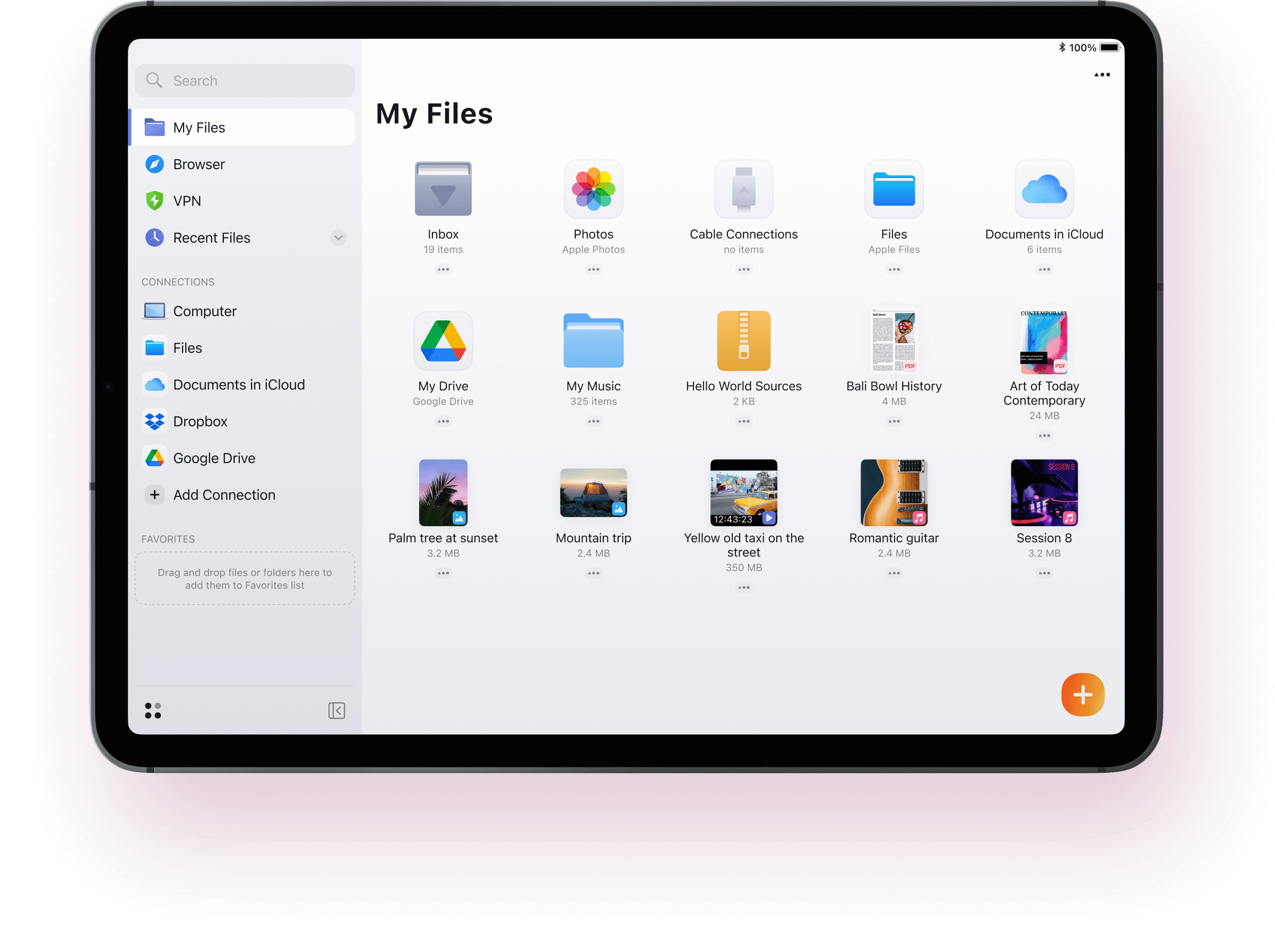
Trusted by millions. Built for professionals.

One app. Infinite capabilities.
Open files, edit PDFs, transcribe audio, convert files, and manage your content across the cloud. All in the Documents app. Trusted by millions and built to be the best file manager for iPhone and iPad.
Manage files on-the-go
Scan documents and take action immediately. Edit, convert, archive, or share. Documents supports 90+ file formats, so you can work with virtually any file, anytime. Every tool you need is right in the app.
- Smart actions
- Link files
- File reminders
- Widgets
Handle PDFs like a pro
Fill out forms, sign paperwork, highlight notes, merge files, and more. You can edit PDFs directly inside the Documents app, whether you're on the train or in the middle of a meeting.
- Edit & annotate
- Fill & sign
- Merge & manage
- Create notes
Get insights from your documents
Discover a new way to interact with documents. With Smart Insights, you get instant summaries and highlights that take you straight to the point, so you can find what matters faster.
- Summarize documents
- Extract key takeaways
Your next favorite tool, built in
Enjoy your media collection
Enjoy your entire media library—audio files, lectures, videos, and audiobooks—with a powerful built-in player that supports all major formats.



Convert anything you need
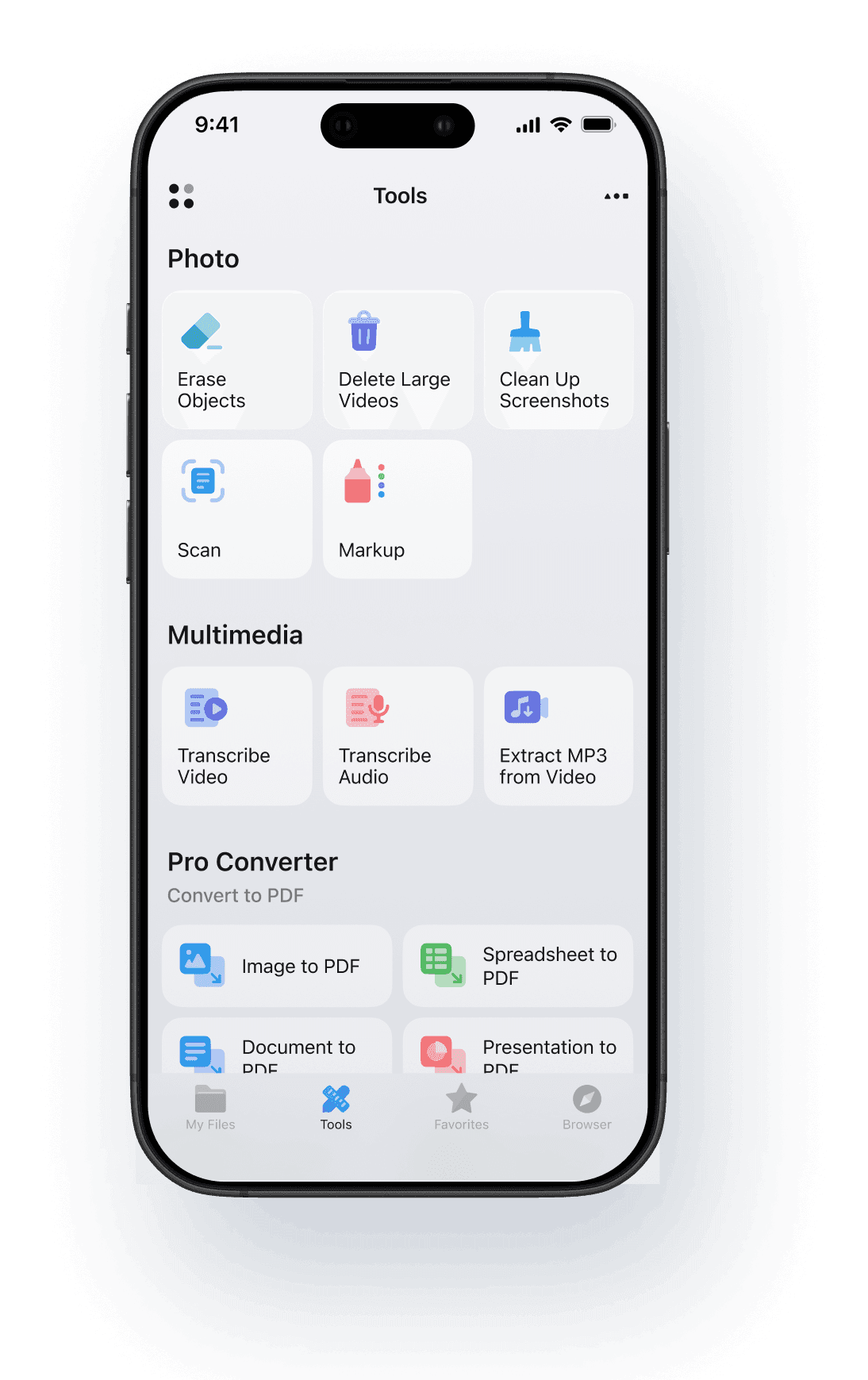
Need a quick format change? We make it easy to switch from Word to PDF, or export an Excel sheet as an image. No extra apps needed.
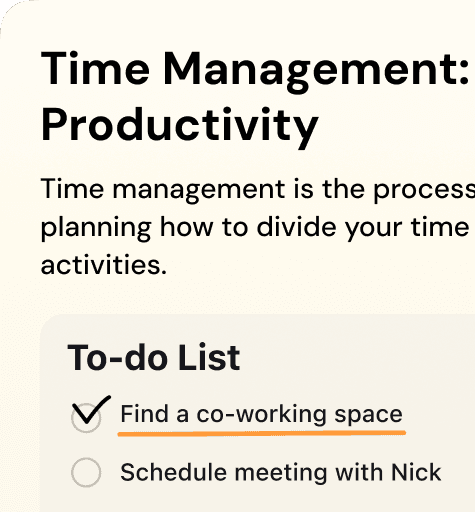
Become more productive with AI
Use AI to get more done with less effort. Clean up your photos, fix small issues, crop out the noise, and keep only what matters. Record, upload, or drop in a voice memo and transcribe audio into clean, editable text.



Connect all your cloud accounts
No more bouncing between apps. Link your cloud file systems like Dropbox, Google Drive, iCloud, or OneDrive and access everything from inside Documents.


Make big files smaller
Use the Documents app to compress PDF files. They'll still look good. They'll just be easier to send.


Get more done with the Documents app
Distinct in-app navigation, smart actions and swipes, Easter eggs for true explorers. All the subtle but helpful touches make the Documents app experience special.
Why people choose Documents
"This might be the only app I've given 5 stars to. I've used it as a PDF reader, audiobook app, scanner, 'reduce size' tool, browser, and countless other things."
Baysejan
"I like reading articles on iPad, and Documents provides me with many tools to take notes on them."
Zeyno287
"Each year they find ways to make it better — they never rest on their laurels."
Ijudy
"Super simple way to move and transfer files."
Dr Rahman Shafeeq Sohail
"Absolutely essential. It does the work of a dozen other apps."
Steverino Max
"Completely updated like pro software. Easy and secure for editing files on mobile."
Anshadachu
"Unlimited space and easy PDF conversion helped me stay productive."
Vivala333
Frequently asked questions
Yes, it's free to download and use. Most of the core tools like file management, transfers, media playback, and cloud access are included. If you need more advanced features like unlimited conversions or deeper PDF editing, there's an upgrade available.
The Documents app is built for iPhone and iPad. It works smoothly on both, and you can sync files across your Apple devices using the same app.
You can open PDFs, Word docs, spreadsheets, presentations, music, videos, images, ZIPs, and eBooks. If it's a format you use regularly, chances are it works here.
Yes. Your files are saved locally unless you connect a cloud account. If you use the file transfer feature, everything stays on your private Wi-Fi network. Nothing gets uploaded to a server.
You can. The app supports all major cloud services. Once you've linked your accounts, you'll see your cloud files alongside everything else.
Just tap a PDF to open it, and the editing tools will appear. You can add highlights, sign forms, annotate, or rearrange pages without leaving the app.
Yes, it can. Upload a voice memo or record directly in the app, and you'll be able to transcribe it into editable text. It's especially helpful for meetings or interview notes.
No problem. Yes, our built-in online converter handles most common formats. You can compress PDFs, videos, or images to make them smaller before sharing. It's fast and works directly in the app. It integrates with our online converter to support format changes if needed.
For mobile? Definitely. Documents acts like a full-featured file manager for iOS. You can sort, rename, zip, and organize files just like you would on a computer, plus connect your cloud file systems to keep everything in sync.

Documents app. Your ultimate file manager