


What is an RTF file, and when should you use one?
RTF files were introduced in the late 1980s by Microsoft, and they can still be found in email attachments and shared documents. This file is not as well-known as DOCX or PDF, but it’s a reliable, simple file format that you can use daily.
What is an RTF file
Microsoft created RTF in 1987 for Word 3.0 on Macintosh. The purpose was to allow formatted documents to move between different computers and operating systems.
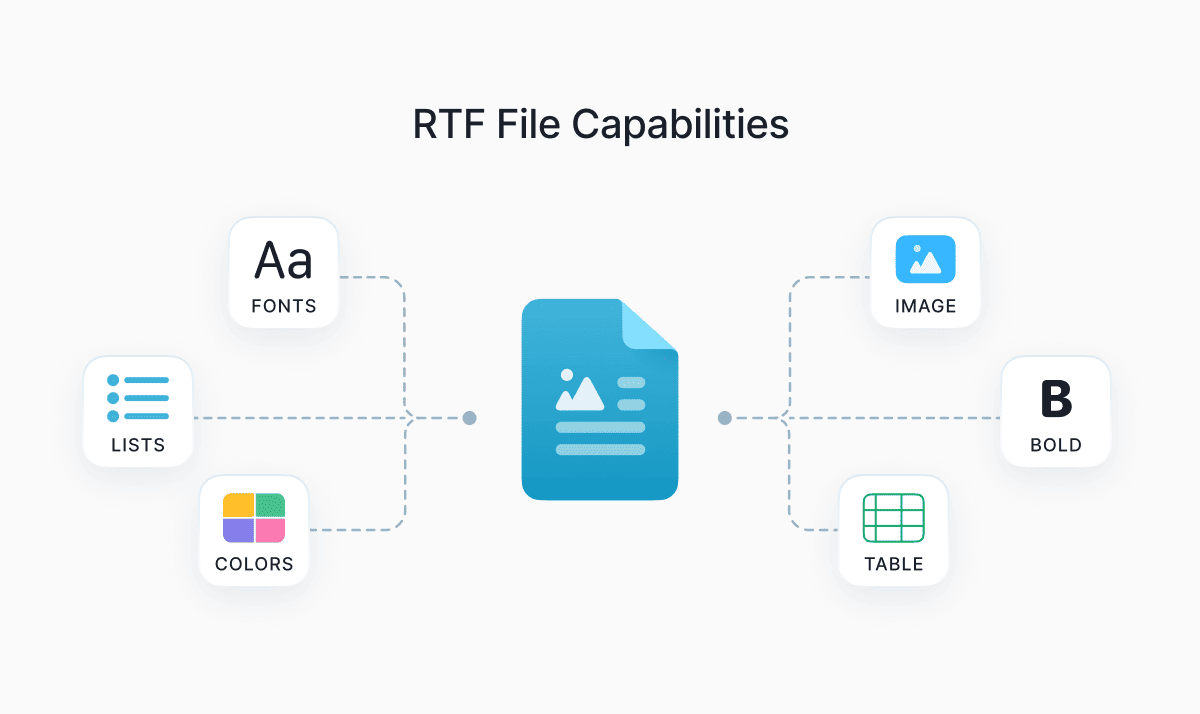
An RTF file is short for Rich Text Format. Unlike a simple TXT file, it’s a document that holds both text and basic formatting like bold, italics, different fonts, colors, paragraph alignment, bullets, and simple tables. RTFs can also include images, tables, and other objects for data visualization. They use the .rtf file extension.
If you open an RTF file in a basic text editor like Notepad, you’ll see something like this:
{\rtf1\ansi{\fonttbl\f0\fswiss Helvetica;}\f0\pard
This is some {\b bold} text.\par
}
All these backslashes and curly braces are the instructions that tell a word processor how to display the text. For instance, \b means bold, \i means italic, \ul means underline. When you open a file in Word or LibreOffice, the code disappears and you just see a nicely formatted document.
Since the file is basically plain text with special formatting codes, many programs and devices can open it without the need for the original software that created the document. This makes it a universal format between different programs for a long time.
Here’s why RTF is still useful:
- It works across Windows, macOS, Linux, and mobile devices.
- The files are smaller and easier to share than DOCX or PDF.
- RTFs don’t host advanced features, so it’s safer to share them.
- It offers enough formatting (fonts, bold, tables, and images) to make professional-looking documents.
RTF vs. DOCX vs. PDF
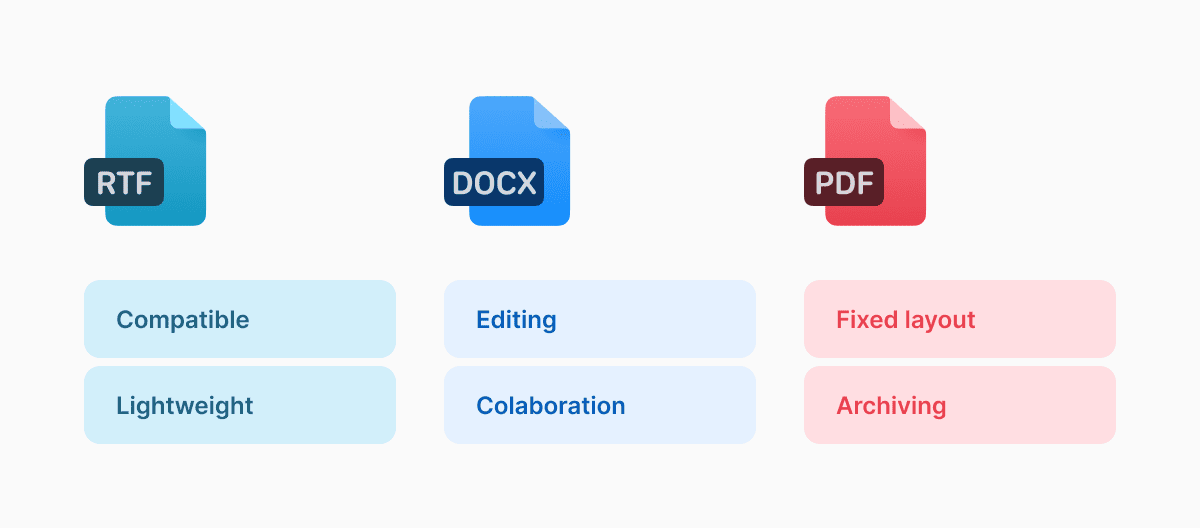
To decide if RTF is the right format for your needs, let’s compare it against the other two main document formats: DOCX and PDF. RTF, DOCX, and PDF are often used interchangeably, but they’re built for different jobs.
RTF is highly compatible. It works across almost any word processor, including both modern ones like Microsoft Word and LibreOffice, and old-school ones like WordPad. Its tradeoff is that it can’t handle complex layouts, styles, tracked changes, equations, or anything interactive, and the formatting can sometimes look a bit different when you switch between programs.
When comparing, DOCX is a much better choice for active editing and collaboration. It supports proper styles, tracked changes, comments, mail merge, equations, and many other features that RTF doesn’t even have. It works best inside the Microsoft Office world.
PDF is built for preserving the exact layout after editing. It looks identical on every device, so it’s mostly used for sharing documents, printing, and archiving. While there are currently different PDF editors that let you edit text, images, highlight, and sign documents, PDFs are still harder to edit compared to RTF or DOCX.
RTF files also hold up well when shared. Because the format stores formatting instructions directly in the file, the document looks consistent wherever you open it. But compared to PDFs, RTFs can be harder to handle if they contain extensive graphics or formatting.
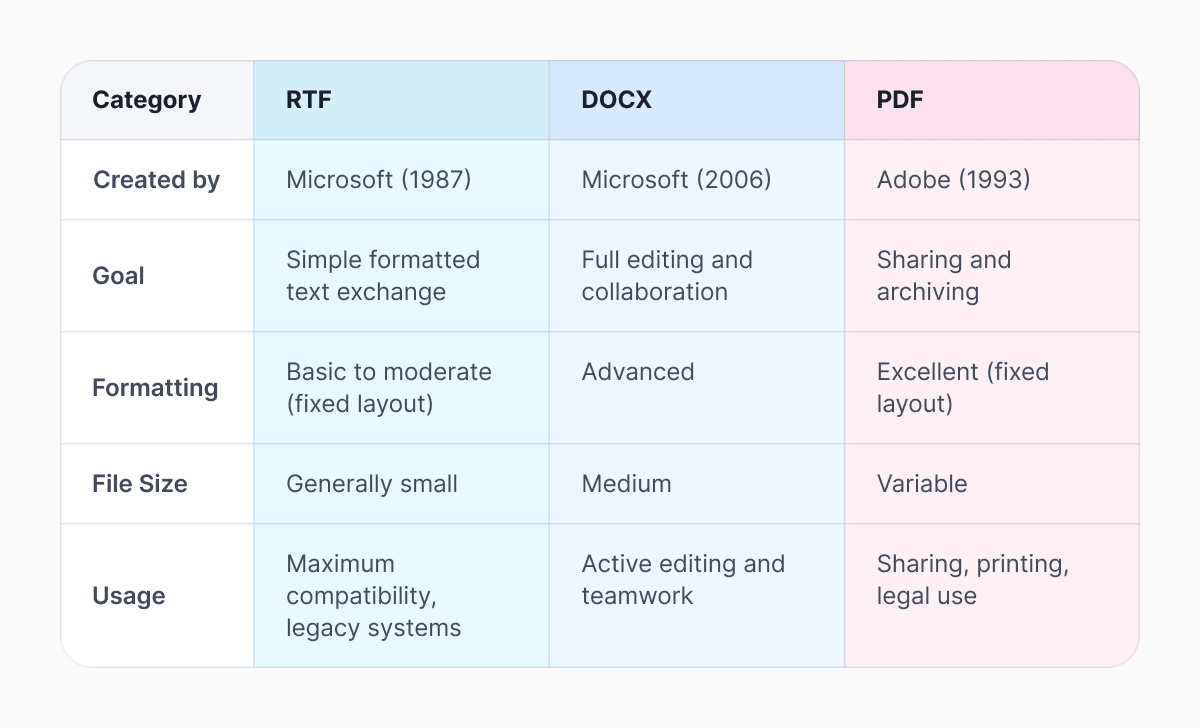
RTF offers great compatibility and keeps file sizes small. But when comparing it to other file formats, it doesn’t have the advanced features of DOCX or the perfect layout of PDF.
How to open an RTF file
Any major word processor opens RTF files natively. On desktop, that includes Word, LibreOffice Writer, Apple TextEdit, Pages, and Google Docs (via file upload). On mobile, you can also use Word, Pages or Files.
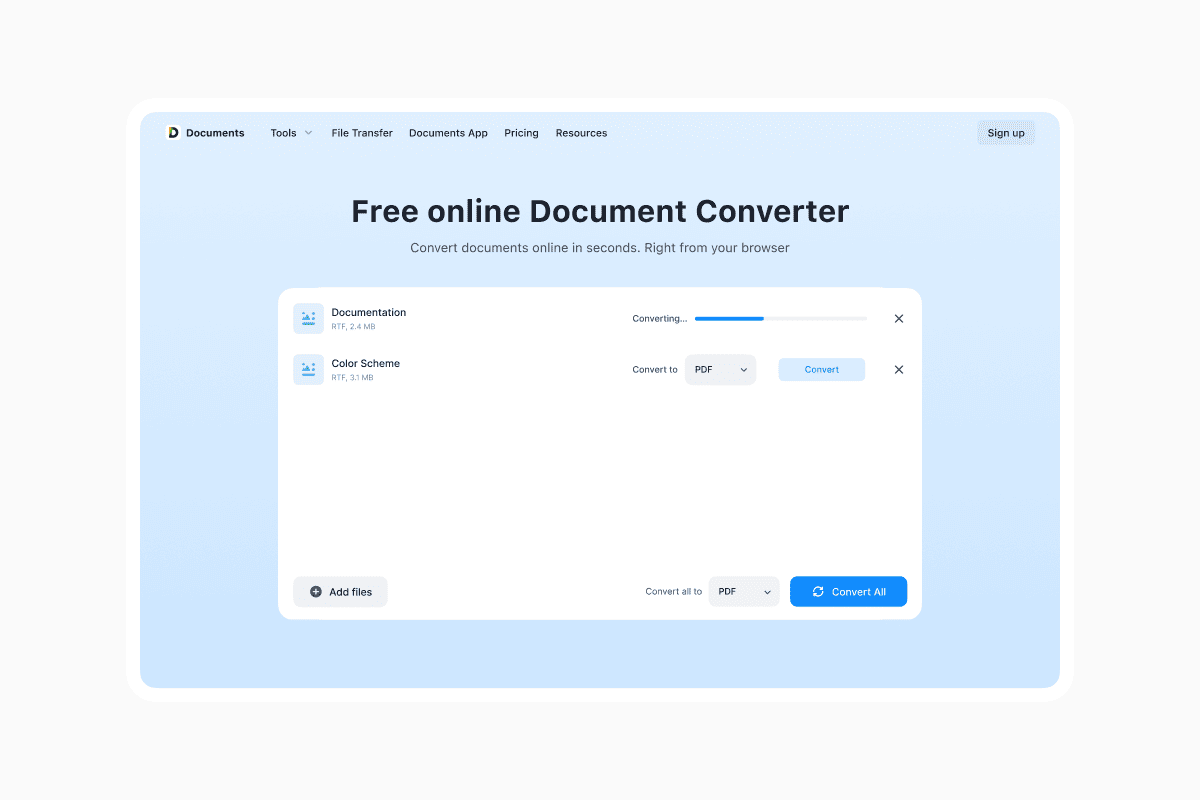
If you need to convert an RTF file to PDF, use Documents.io by Readdle. With its simple one-click or drag-and-drop feature, Documents.io lets you upload the file and instantly convert it to the format you need. As an online converter, it requires no installation. For added safety, Documents.io automatically deletes your uploaded files 4 hours after processing, even if you’re not signed in to an account.
FAQ
Can I open an RTF file without specialized software?
Yes. On Windows use WordPad, on Mac use TextEdit, and on iPhone/iPad open it directly in the Files app or free Pages app.
How to convert RTF to PDF?
Use Documents.io by Readdle, a reliable file converter. Upload your file and the site will instantly convert it to PDF.
How do I create an RTF file?
In WordPad (Windows), TextEdit (Mac), or Microsoft Word, go to Save As and choose Rich Text Format (.rtf) as the file type.
Latest posts
Glossary
What is a DOCX file, and how do you open one without Word?
Got a DOCX file but no Microsoft Word? Learn what this popular document format is and the easiest ways to open and edit it

Glossary
What is an HTML file, and what should you do with one?
Found an HTML file and not sure what to do with it? Learn what HTML files are and the easiest ways to open, view, and edit them.

Glossary
What is an EPUB file, and how do you open one on your iPhone?
Got an EPUB file on your iPhone? Learn what this popular ebook format is and the easiest ways to open and read EPUB files.