


When you need to create a presentation, there are two file formats that pop into your mind: PPT and PPTX. They are both Microsoft PowerPoint presentation file formats, but they are fundamentally different in structure, capabilities, and use cases.
Let’s take a look at which format is best for saving, sharing, and editing presentations.
What is the PPT format
PPT is the original binary file format used by Microsoft PowerPoint from 97 to 2003. It packages all your slides, images, text, and animations into a single binary file. Being a binary format means the entire file is saved as a stream of encoded data that only specialized software can properly read. If you try opening a PPT file in a regular text editor, you’ll just see a mess of random, unreadable characters.
It served its purpose well back in the day. But now this file format is more difficult to repair if it gets corrupted. On the plus side, PPT offers excellent backward compatibility with old versions of PowerPoint and is still recognized by many legacy systems. However, it comes with some notable drawbacks: the files tend to be larger, they’re more prone to corruption, and they lack support for modern design features and media types.
What is the PPTX format
PPTX is the format that Microsoft switched to as part of the move to Open XML formats across the Office suite (DOCX for Word, XLSX for Excel). The “X” stands for XML, but the format is a ZIP archive with XML files for slides, layouts, themes, and media.
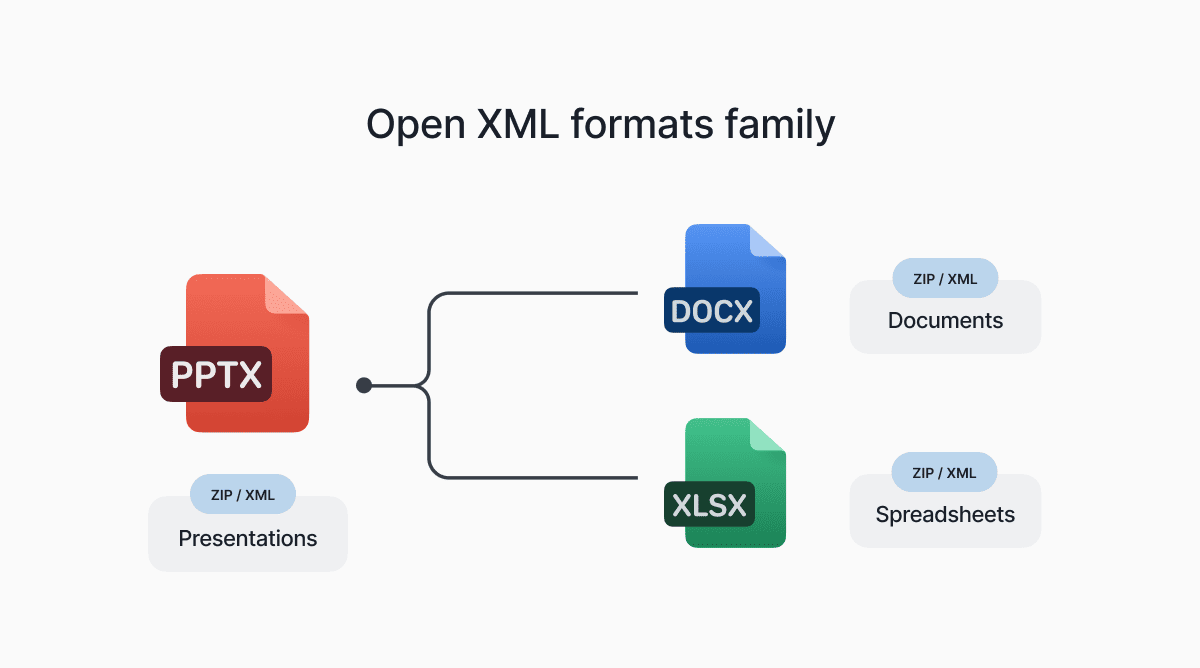
If you rename any PPTX file to have a .zip extension and open it, you’ll find a structured directory with readable XML describing every slide, font, and theme.
PPT vs. PPTX: short overview
Is PPT and PPTX the same? No. They might seem like the same format with a different letter at the end, but they’re quite different under the hood.
What is the difference between PPT and PPTX
File size
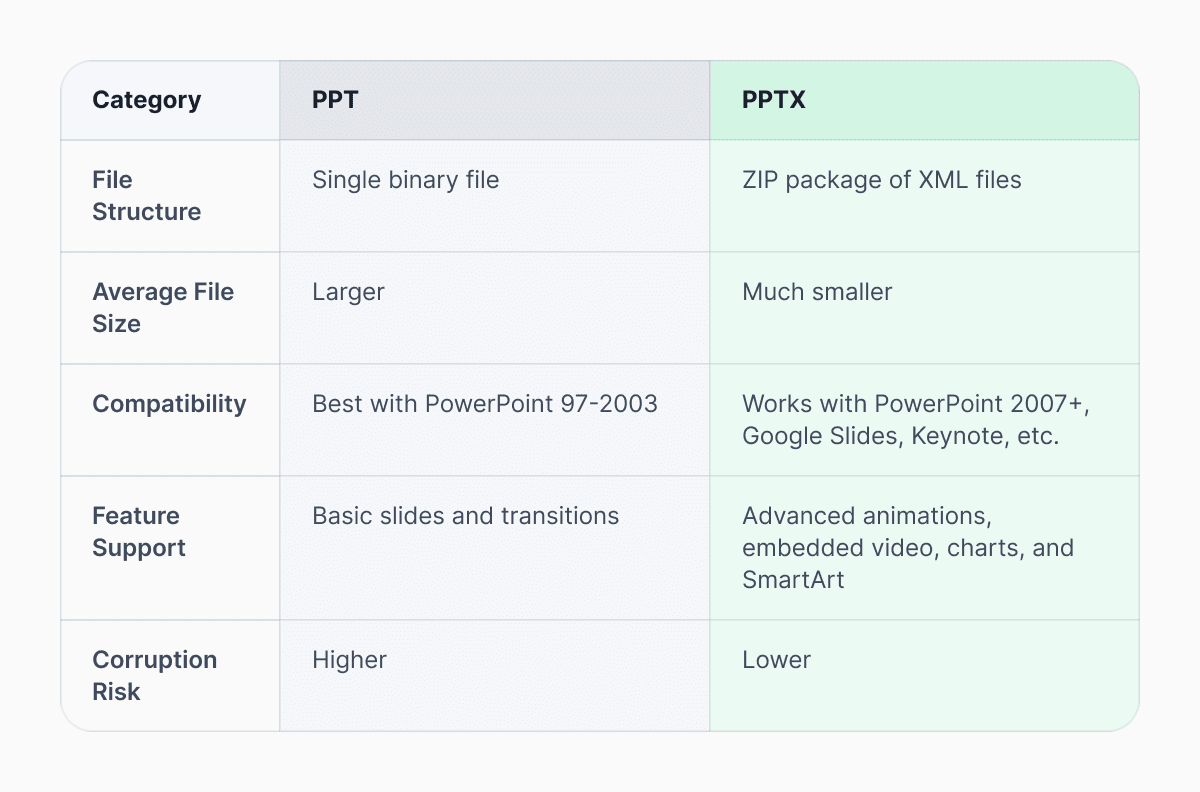
PPTX files are noticeably smaller than the old PPT versions. The format zips up content, so presentations with lots of text, images, and other elements shrink dramatically.
Compatibility with other tools
Modern tools, like Google Slides, Apple Keynote, LibreOffice Impress, handle the PPTX file format much better. The Open XML standard was built for better interoperability, while older PPT files can be hit-or-miss outside of Microsoft PowerPoint.
Feature Support
The PPT file format is limited to basic slides and transitions. PPTX, on the other hand, supports much more advanced capabilities, including complex animations, embedded video, modern charts, SmartArt, and other contemporary design features that simply weren’t possible in the older format.
Corruption Risk
If something goes wrong with a PPTX file, there’s a better chance of fixing it. Since it’s made up of separate parts inside a ZIP container, damage often only hits one section. Microsoft’s repair tools recover these files more reliably than binary PPTs, where one corrupted byte can render the entire presentation useless.
In addition, antivirus programs and security tools can scan PPTX better. Binary PPT files are more opaque, which made them prone to malware in the past. Many companies still block PPT attachments for this reason.
PPT or PPTX: which format should you choose
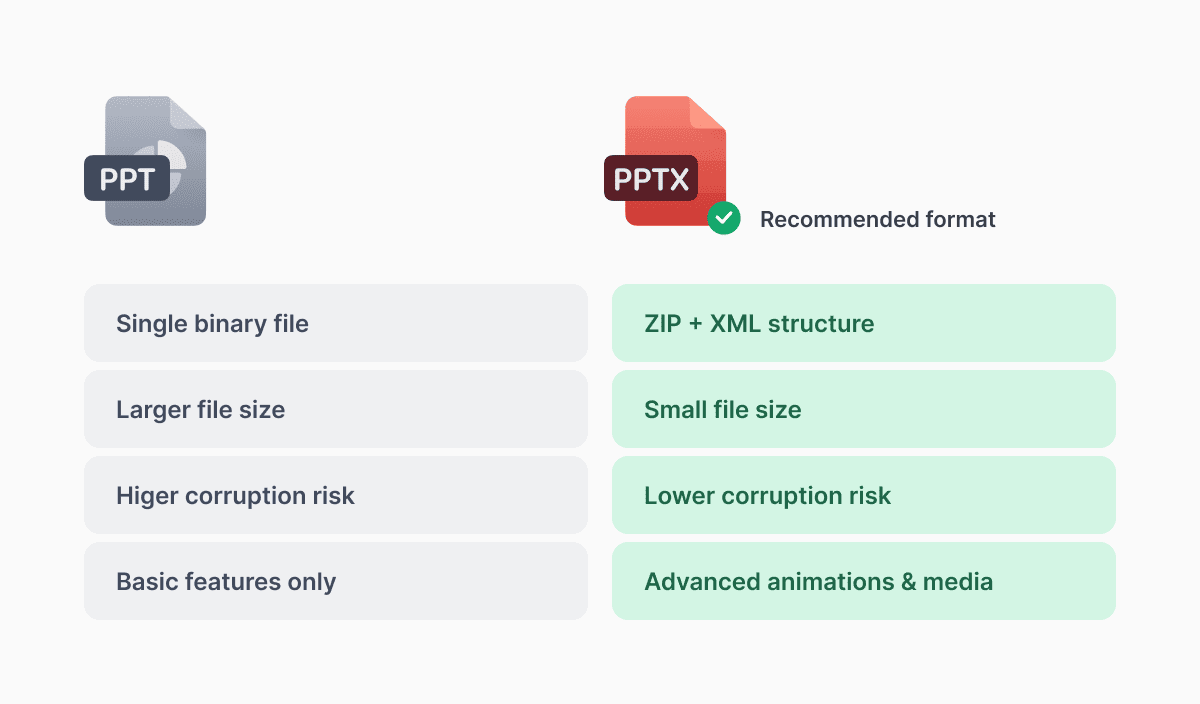
For most presentation creators and users, PPTX is the better choice. It offers smaller files, richer features, and broader compatibility across devices and platforms. Only save in PPT if you must support someone using extremely outdated software.
Most modern tools, including Microsoft 365, automatically save in PPTX and can easily convert and read older PPT files.
Related Formats: PPTM and PPSX
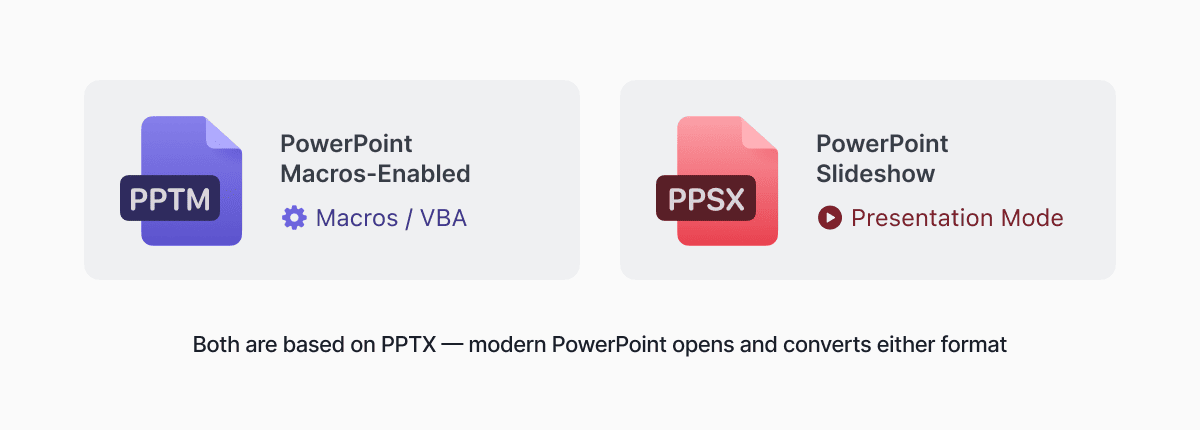
PPTX vs PPTM
PPTM has the identical structure to PPTX, with the only difference: macro support (the M stands for macros). Use PPTM only if your presentation contains VBA (Visual Basic for Applications) macros that run on demand or automatically. For instance, if you need a presentation that pulls live data or triggers action, choose PPTM.
For everything else, stick with regular PPTX, as it’s safer and more widely accepted.
PPTX vs PPSX
PPSX is a slideshow version of PPTX. While PPTX opens in editing mode, PPSX opens directly in full-screen presentation mode. If you don’t want the recipient to accidentally edit your presentation, choose PPSX when sharing. That said, anyone who receives a PPSX can still open it in PowerPoint’s editing view by going to File > Open rather than double-clicking.
Convert PPT to PPTX and back
With Documents.io by Readdle, you can convert between PPTX and PDF formats directly on your device.
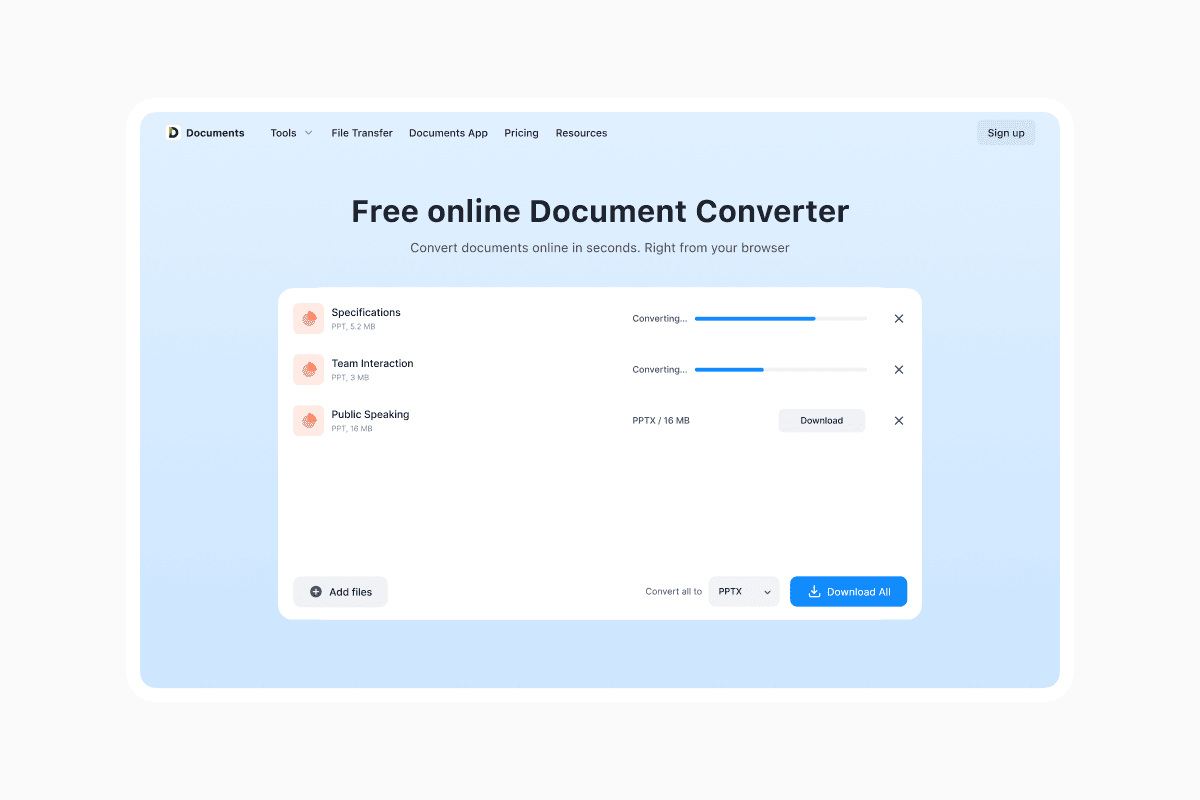 No need to install desktop software or rely on limited online converters. Documents.io handles legacy and modern formats reliably, so you can convert them in a click and easily transfer across devices.
PPT vs. PPTX: FAQ
Which is better: PPT or PPTX?
Today, PPTX is the clear winner. It creates smaller files, supports more features, is less likely to get corrupted, and works better across different programs. Use PPT when you absolutely need to work with very old versions of PowerPoint from 97 to 2003.
Is PPT still supported in modern PowerPoint?
Yes, current versions of Microsoft PowerPoint can still open and edit PPT files. But when you open an old PPT file, PowerPoint will usually suggest converting it to PPTX for better performance.
How do I convert PPT to PPTX?
The easiest way on a computer is to open the PPT file in modern PowerPoint and save it as PPTX.
Latest posts

Knowledge Base
Video file formats explained: MP4, MKV, AVI and more
Learn the difference between video file formats (MP4, MKV, AVI, MOV, WebM) and codecs (H.264, H.265, AV1). Find out which format is best for social media, professional editing, and universal compatibility in 2026.

Knowledge Base
The beginner photographer’s guide to file conversion (RAW, JPEG, TIFF, PNG)
A beginner-friendly guide to converting RAW, JPEG, TIFF, and PNG photos. Learn quality tradeoffs, export settings, and smart archiving habits for web and print.

Knowledge Base
How to make a GIF: simple steps to create and share loops online
Making a GIF is simple: trim a short moment from a video, convert it, and save the loop. Whether you’re using a browser-based converter like Documents.io or an app, the key is to keep it short, clean, and seamless for easy sharing anywhere.