


You download an image from a website, and instead of the familiar .jpg or .png, you get something that looks like a typo: .webp. Your default app might shrug. Your older design tools might refuse to touch it. Somewhere along the way, the web quietly changed formats, and didn’t send a memo.
WEBP is Google’s modern image format, built specifically for the web. It’s a raster image file type, like JPEG and PNG, that lives under the .webp file extension and the MIME type image/webp. The headline idea is simple: keep images looking the same (or better), but slash their file sizes so pages load faster and chew through less bandwidth.
Google introduced WEBP back in 2010 as part of its broader performance crusade.
Instead of inventing something from scratch, it repurposed tech from the VP8 video codec and wrapped it in a RIFF container. Under the hood, WEBP doesn’t store every pixel literally. It predicts what pixels should look like based on blocks around them, then encodes the difference. The result is a much more efficient way of squeezing photos and graphics into smaller files.
How the WEBP image format actually works
At a technical level, WEBP supports two big modes: lossy and lossless.
Lossy WEBP plays the same game as JPEG. It throws away data that your eyes aren’t likely to notice, trading tiny amounts of quality for dramatic size cuts. For typical photos, Google and big players like Adobe cite reductions of around 25 to 30 percent compared with JPEG at similar visual quality.
Lossless WEBP is closer to PNG. It keeps every bit of visual information but applies more advanced compression tricks to do it. The format can also carry an alpha channel, which means it handles transparent backgrounds natively. That’s the territory PNG has dominated for years: logos, icons, UI elements, product shots with clean cutouts. WEBP is designed to do the same work with smaller file sizes.
There’s a third trick too: animation. WEBP can bundle multiple frames in a single file, which means it can stand in for some use cases where you’d normally reach for an animated GIF.
WEBP vs JPEG: the old standard versus the new
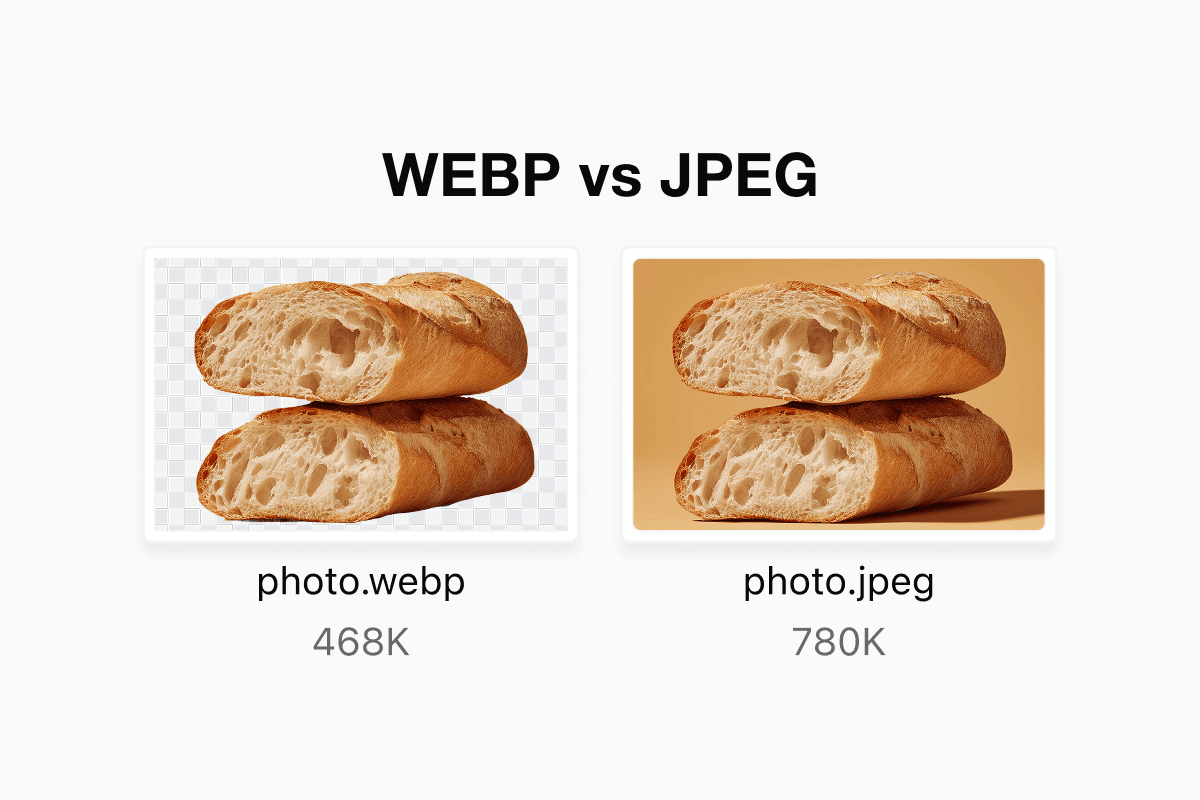
JPEG is the default photo format of the internet era. Cameras, phones, legacy software, cheap digital frames: they all speak JPEG fluently. So when people ask “WEBP vs JPEG,” they’re really asking whether it’s safe to move on from a standard that has basically been everywhere for decades.
In practice, WEBP is usually more efficient. For the same perceived quality, a WEBP file will often be notably smaller than a JPEG. That’s exactly what Google was aiming for: interchangeable visuals at lower byte counts.
But efficiency isn’t the only difference.
JPEG doesn’t support transparency, doesn’t do animation, and doesn’t have a lossless mode. It’s a very good solution to a very specific problem from the 1990s.
WEBP is a more flexible format that spreads out across use cases: photographs, transparent assets, animated UI flourishes, and so on.
The only real advantage JPEG hangs onto is compatibility.
Every operating system, every fridge with a screen, every dusty print kiosk in a supermarket knows what to do with .jpg. While WEBP is now supported by all major browsers and a long list of tools, JPEG still wins in the “it just works everywhere” category.
So if you’re choosing for the web, WEBP usually comes out ahead. If you’re emailing images to someone using ancient software or targeting embedded devices, JPEG is still your safest bet.
WEBP vs PNG: transparency without the weight
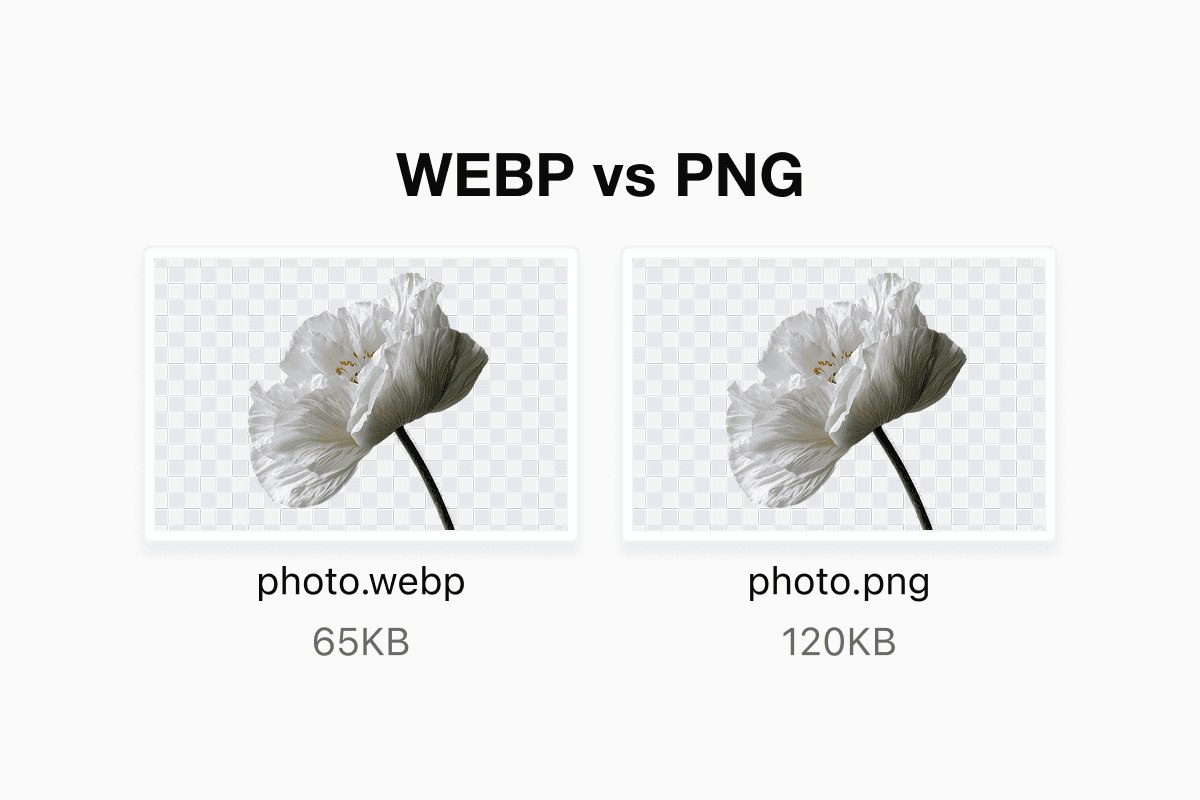
PNG carved out a niche as the format for transparency, crisp edges and UI assets. It’s lossless, which means it doesn’t smear type or blur logos, and it supports an alpha channel so you can drop icons onto any background.
WEBP is basically gunning for that job. When you use WEBP in lossless mode with transparency enabled, you get the same sharp edges and clean cutouts as a PNG, but typically in a smaller file. That’s a big deal for design-heavy interfaces and e-commerce sites with grids of product shots.
PNG’s biggest advantage now is familiarity and predictability in older toolchains. If you’re dealing with design workflows, printers, or legacy content pipelines that haven’t been updated in years, PNG is still the easy answer. For modern websites, WEBP tends to win the “quality per kilobyte” contest.
Why Google pushed WEBP so hard
This isn’t just a random nerd project.
Google has a vested interest in making the web faster: faster sites keep users happier, reduce server load and make the company’s own services feel snappier.
By bundling WEBP into Chrome and pushing support into other browsers, Google made it easy for sites to adopt the format.
CMS platforms and hosting providers followed. Many now offer automatic image optimization, quietly converting uploads into WEBP behind the scenes and serving those to compatible browsers while keeping classic JPEG or PNG variants for fallback.
That’s why WEBP suddenly seems to be everywhere. You didn’t decide to switch. Your tooling did it for you.
How to open a WEBP file
If you just want to open a WEBP file, the easiest solution is the thing you’re already using: a browser. Drag and drop the file into Chrome, Edge, Firefox or Safari and it will display like any other image.
Desktop support has caught up as well. Recent versions of Windows include WEBP support in the Photos app and in many third-party viewers. macOS and Linux distributions increasingly have WEBP built into their system image libraries, so Preview and other default viewers can display the format too.
On the editing side, mainstream tools like Photoshop, PaintShop Pro and GIMP can either open WEBP natively or via plugins. If a particular app doesn’t recognise the extension, it usually just means you’re stuck in an older version or in software that hasn’t been updated for modern web formats.
How to convert WEBP to JPG, PNG or something else
Of course, sometimes you don’t want to think about formats at all. You just need that .webp image as a .jpg for a presentation, or a .png for a print file, or something your CMS accepts.
There are a few straightforward options.
Many image editors will simply let you open the WEBP file and use “Save As” or “Export” to spit out a JPEG, PNG, or another format of your choice.
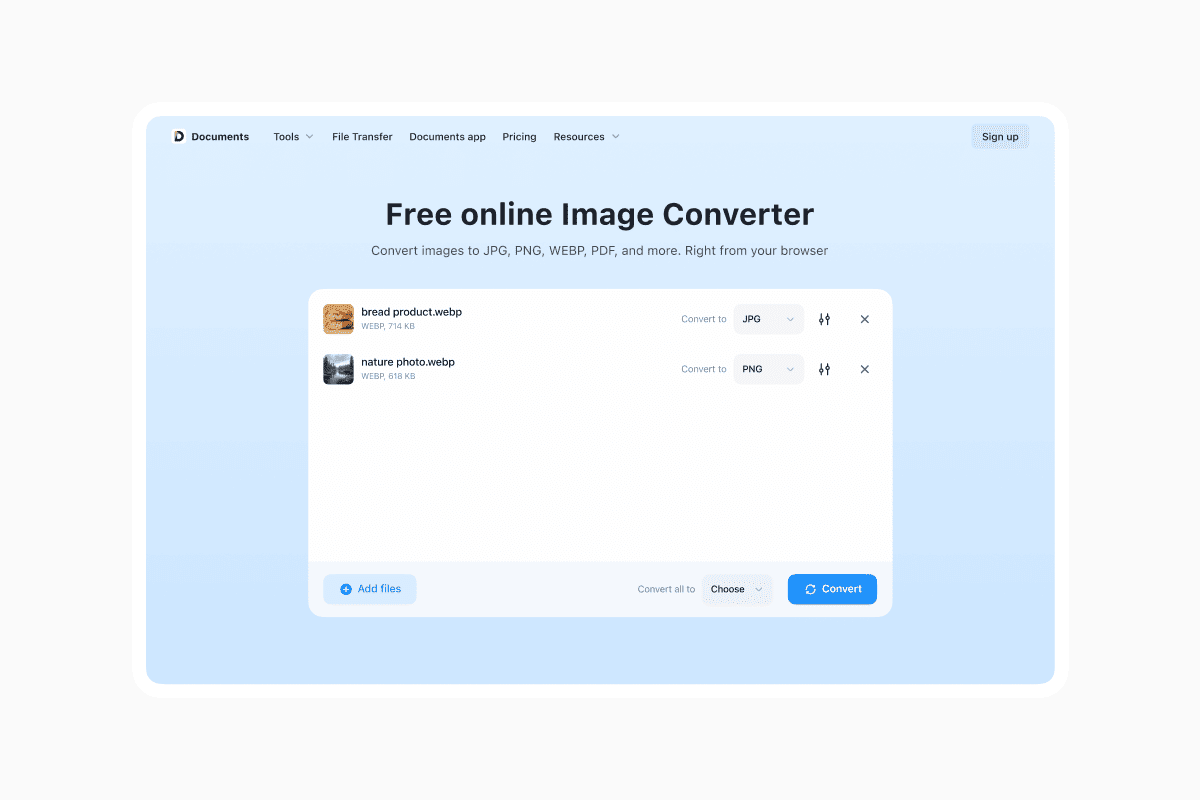
If you don’t have a full editor to hand, there are plenty of browser-based converters such as Documents.io where you upload a WEBP and download a JPG or PNG seconds later.
If you’re thinking even more future-leaning, there are newer formats like AVIF and JPEG XL, which can sometimes beat WEBP on compression, especially for ultra-high-quality photos.
The catch is that support is still patchy, while WEBP has already hit mainstream status.
Why WEBP is everywhere—and when not to use it
For web images, WEBP ticks almost every box. It keeps file sizes small, supports transparency and animation, and has enough adoption across browsers and platforms that it feels safe to rely on. That’s why hosts, CDNs and site builders lean on it heavily: it offers free performance without forcing designers to redraw anything.
There are still pockets where it’s not ideal. If you’re archiving original photo data, you probably want RAW or TIFF, not a web-friendly compressed format. If you’re handing off files to a print house using ancient software, JPEG and PNG may be safer. And if you’re dealing with fringe devices or niche applications, the universal compatibility of JPEG still matters.
For everything else, especially for web images, WEBP has quietly become the sensible default. The next time you see that odd-looking file extension, it isn’t your computer being weird. It’s the web doing what it does best: hiding a lot of clever engineering behind a simple image on a page.