


For about fifteen years, the banner ads, Newgrounds cartoons, school computer games, Homestar Runner, and early YouTube players files had all ended in .swf. It was all the Flash content.
Then the plugin died, but what happened with SWF files? What are they and how can you open, use or convert SWF files today? Let’s have a look.
What is an SWF file
SWF files were built in the mid-1990s so animation could load over a slow dial-up connection, which is why they are so small. A whole cartoon can be only a couple of megabytes as an SWF, because the drawings are stored as shapes, not as a stack of pictures.
The SWF acronym first meant Shockwave Flash, which caused confusion with Shockwave (a different, also discontinued Macromedia product). Adobe later relabeled it as Small Web Format.
An SWF can carry vector shapes, bitmaps, audio, embedded fonts, and ActionScript code, the scripting language that made Flash games and interactive apps possible. Opening an SWF is less like playing a video and more like running a tiny app. That’s why so many players fail to open one.
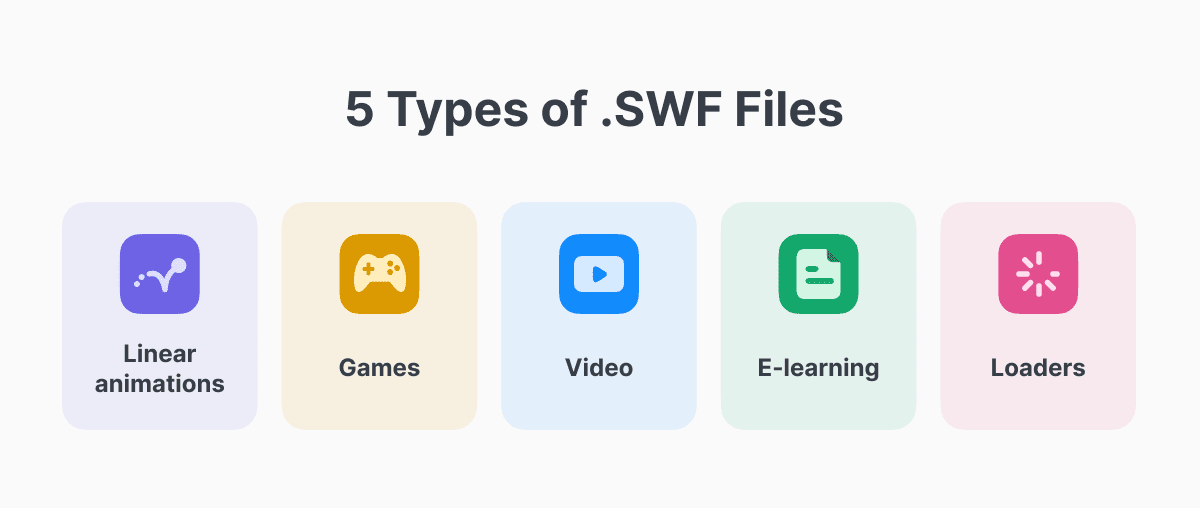
The .swf ending also does not tell you what kind of file you have. Broadly, SWF files fall into a few categories:
- Linear animations (newgrounds shorts, banner ads, animated logos)
- Games and interactive toys
- Video wrappers
- E-learning modules (Adobe Captivate, Articulate, Lectora, etc)
- Loaders
How to open an SWF file
There are three practical ways to open an SWF file, and which one you want depends on what you plan to do with the file.
All three use an emulator. Windows, Mac, and Linux no longer open SWF files on their own, and installing Adobe’s old plugin is not a good idea.
Open an SWF file online
If you just want to see what is inside, you do not need to install anything. Go to the Ruffle demo page, click Browse, and pick your file. It plays in the browser on your computer. The file is not uploaded to a server.
Install the desktop player
If you have a folder of SWF files and want to open them by double-clicking, download the desktop app from ruffle.rs. It works on Windows, Mac, and Linux. You can set it as the default app for .swf files, the way Flash used to work.
On a Mac, the first launch may be blocked because the app did not come from the App Store. Right-click it, choose Open, and confirm. After that, macOS remembers. Safari has not played Flash since version 14, so an emulator is the only option.
Use the browser extension
Ruffle also has extensions for Chrome and Firefox that find old Flash content on websites and play it there. If you still run a site with Flash files, you can add Ruffle’s script to the page so visitors can watch without installing anything themselves.
Can VLC play .swf files?
No, and this comes up constantly because VLC plays almost everything else.
VLC is built to play media: a file with pictures and sound that run from start to finish. An SWF file is often not that. It can be a game, a cartoon with clickable buttons, or an animation that waits for you to do something.

That is why VLC, Windows Media Player, QuickTime, IINA, Premiere, and DaVinci Resolve are the wrong tools. If the SWF happens to be a simple, movie-like clip, VLC might show something. If it is a game or anything interactive, you need a Flash emulator such as Ruffle instead.
Other SWF file players and openers
Ruffle is the default recommendation, but a few alternatives are worth knowing.
Adobe’s old standalone projector. Adobe used to ship a small app that could open SWF files on its own, with no browser. Copies still turn up in archives. It plays files the way Flash originally did. Use it only on a computer you control, only with a file you trust, and only when Ruffle cannot handle that file.
Ruffle for Android. Ruffle has an official Android app. Many “SWF player” apps in the Play Store are poorer copies of the same idea, often stuffed with ads. Stick with the official one if you can.
Flashpoint Archive. If you want to play lots of old Flash games, use Flashpoint. It’s a preservation project with more than 220,000 games and animations (as of September 2026). It comes with its own launcher and recreates the old websites those games expected. That’s why titles that break in a normal player often work there.
How to convert an SWF file to MP4
Converting SWF to video works well only for linear animations. But games are different, they don’t have fixed running time or single sequence of frames. Converting it to MP4 creates a category error.
For a simple animation, start with the free online SWF converter from Documents.io. Drop the file in or choose it from your drive, pick your output format, and download the result: no install, no plugin, and it goes both ways if you ever need to produce an SWF rather than open one.
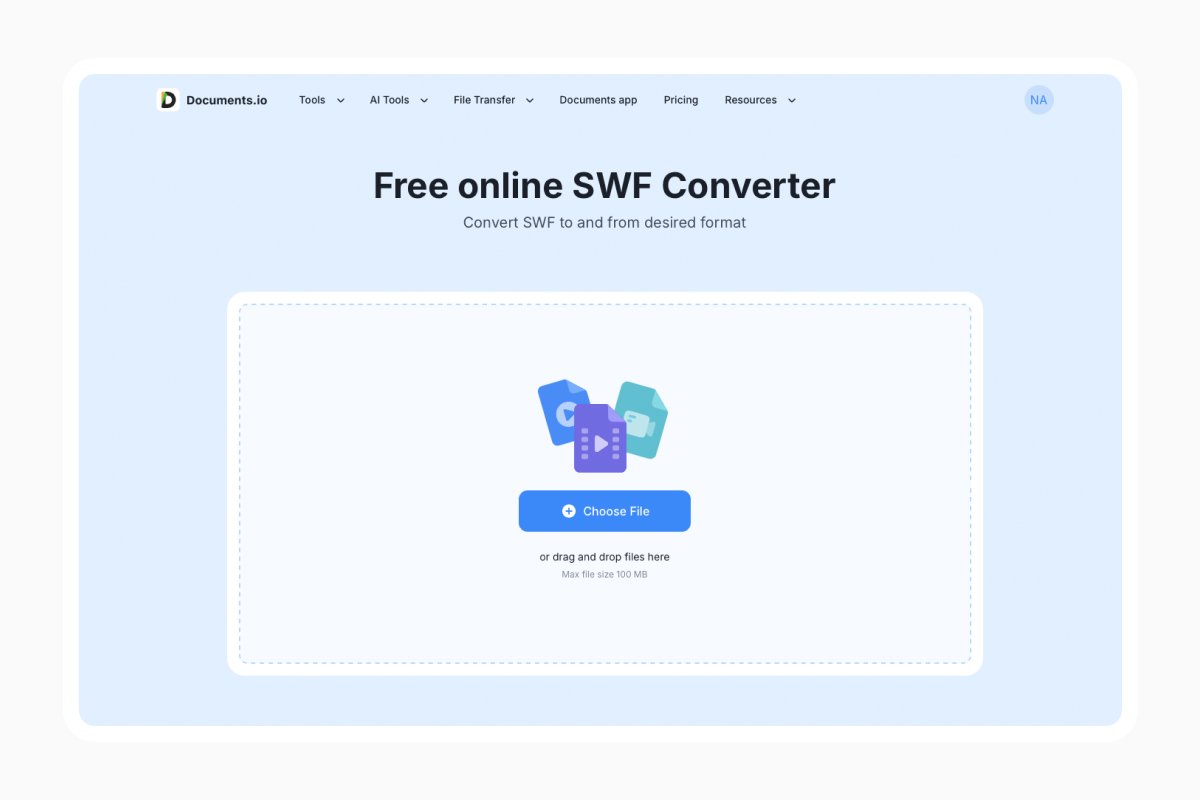
If the download is blank or only a split second long, the file is not a straight animation, and you need the recording route below.
Open the file in the Ruffle desktop app at the size you want. Record your screen while it plays: OBS Studio on Windows, or the built-in screen recorder on a Mac, then trim the clip.
On a Mac, that recording is usually a MOV, not an MP4. You don’t need extra software for one file. Upload the MOV to Documents.io’s video converter and download an MP4. It also handles AVI, MKV, WEBM, and FLV, with no watermark.
FAQ
How can I run .SWF files that need a server?
Loaders and multiplayer games that call a URL will fail once that server is gone. Flashpoint Archive solves this for preserved titles by running a local proxy that answers those requests.
Is opening an SWF file safe?
Through Ruffle, yes: it’s a sandboxed reimplementation rather than Adobe’s plugin. The old standalone projector is a different story, since it stopped receiving security patches in 2020.
Can I open an SWF file on iPhone or iPad?
Not natively, and Safari has no Flash support at all. Web-based Ruffle works on iOS Safari for simple content, though performance is inconsistent.
Why does my e-learning module show a blank screen?
Course packages usually load several SWFs plus an HTML launcher and manifest. Open the launcher file, not the individual SWF, and keep the folder structure intact.
Latest posts

Glossary
What is a DCM file, and how do you open one?
DCM files are commonly used to store medical images such as X-rays, CT scans, and MRIs. Discover what DCM files are, how they work, and which tools you can use to open and view them.
Glossary
What is a CR2 file, and should you keep it or convert it?
CR2 is a RAW image format used by Canon digital cameras to preserve detailed photo data. Discover how CR2 files work, how to open and edit them, and whether you should keep the original files or convert them to more accessible formats

Glossary
What is a FLAC file? The lossless audio format explained
FLAC is a lossless audio format that preserves original sound quality while reducing file size. Discover how FLAC files work, how they compare to MP3, and how to open, play, or convert them on different devices.