


If a hospital or imaging center sends you a scan and you cannot open it, you didn’t download a broken one.
What you received is a DCM file, a medical record in the DICOM format. It’s an X-ray, CT slice, MRI, ultrasound, or mammogram, that also contains information about whose scan it is, when it was taken, and on which machine.
So what is inside a DCM file, why everyday apps refuse it, and how do you open one on a home computer without hospital software?
What is a DCM file
DCM is the file extension for DICOM, also known as Digital Imaging and Communications in Medicine. It’s the format almost every medical imaging machine on the planet uses since the 1990s.
A DCM file isn’t just an image. It holds the image and a list of details about the scan: name, date of birth, patient ID, hospital, the medical machine, the referring doctor, and sometimes even notes from the radiologist.
You also rarely get one file. A CT or MRI is a stack, sometimes hundreds of individual slices, each saved as its own DCM file in a folder with an index file named DICOMDIR. Opening a single slice on its own is like reading a random page of a book.
Because the DCM files contain sensitive information, emailing or posting them to a random online viewer means sharing all your identifiable medical data. If you’re dealing with someone else’s scans, HIPAA and GDPR rules apply, so make sure to strip the personal details first. Good DICOM viewers can anonymize a file: they remove the identifying tags before you export or send it.
Why your photo app can’t open DCM files
A scan contains more shades of gray than a photo so that a doctor can tell the difference between various parts within the same scan. A medical viewer lets you manipulate that range, but a photo app has no such control, so even if you force the file into a JPEG, most of that detail is flattened away.
Secondly, a scan is a series of slices, not one snapshot. Photo apps usually show a single picture, so only a DICOM viewer can show the slices in order and from different angles.
In addition, since metadata is embedded directly into the DCM file, JPEG and PNG don’t have a place to store this metadata.
So while it’s true that Windows Photos, macOS Preview, and Photoshop won’t open a DCM file, the deeper point is that you don’t want them to. You need a dedicated DCM file format reader instead.
How to open DCM files
Windows
MicroDicom is the best free option for personal use. It’s still updated and you can download a portable ZIP that runs without installing anything, which helps on a locked work PC.
macOS
Horos is the usual free DCM file viewer for Mac. It’s built for macOS, with multiplanar reconstruction, 3D rendering, measurements, and export. Weasis also works on a Mac if you want the same program on every computer.
Any platform
Weasis is a free viewer used in hospitals and research networks. It runs on Windows, Mac, and Linux, and provides measurements, structured report support, and built-in anonymization from a file.
If you need research tools such as 3D views and marking up anatomy, 3D Slicer goes further, but it’s also a bit more complicated.
Online DCM file viewers
Browser-based viewers are convenient when you want a quick look without installing software. But before you do that, make sure to check whether the site opens the file in your browser or uploads it to their servers. It’s better not to upload someone else’s (or your) identifiable scan to a site you don’t know.
The hospital CD
If you have a CD or DVD you obtained from a doctor, open and copy the whole folder onto your computer. Usually, it’ll contain a DICOM folder, a DICOMDIR file and an old viewer program.
Then open that folder in MicroDicom or Weasis. If your computer has no disc drive, ask the imaging department for a USB stick or a download instead.
Command line
If you’re happy using the command line, DCMTK is the standard toolkit for batch work. It can list everything stored in a file and turn images into ordinary pictures.
How to convert a DCM file
All the above-listed viewers can be used for exporting a DCM file as JPEG, PNG, or PDF.
Use JPG for soft-tissue pictures, email, and anywhere you need a small file. Use PNG if the image has text, measurements, or sharp detail you don’t want to soften. And use PDF when you want one document instead of a folder with 200 pictures.
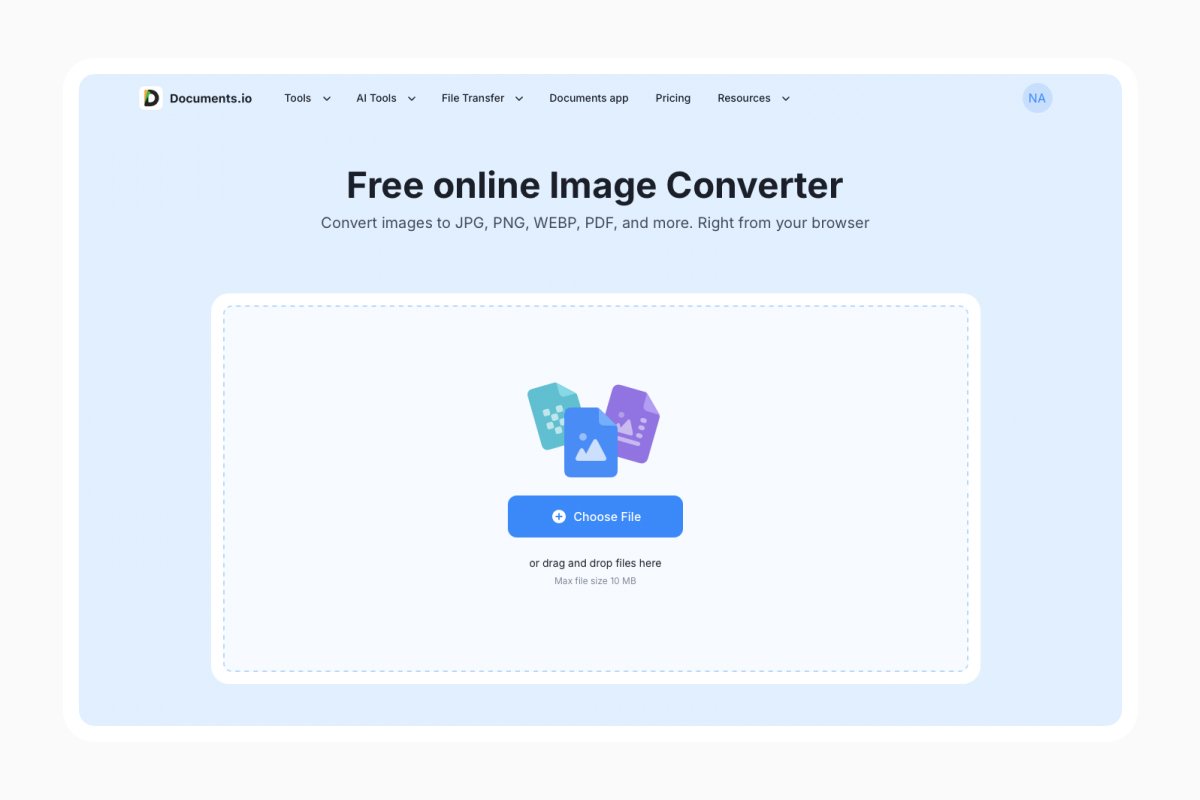
If you prefer to convert your DCM file immediately, use Documents.io’s image converter to get JPG, PNG, WebP, or another format. Simply drag and drop your scan and the online converter will do the rest. You can be safe for your data while uploading, Documents.io’s Documents.io keeps uploaded files for 8 hours (if you’re not logged in).
If you’re sending the scan to someone, remember to remove personal details on your computer first. Exporting a DCM file to JPG or PNG usually drops the hidden tags, but a name printed on the image itself can still be there.
Remember also that a converted file is only a snapshot of the scan, so always keep the original DCM files in case a specialist asks you for a second look at it.
FAQ
Why do my DCM files have no file extension?
Files written straight from a scanner or burned to a hospital disc often skip the extension. Viewers identify DICOM by its internal header, so they open regardless.
What is DICOMDIR?
An index file listing every image in a study and how the slices relate. Load the folder containing it rather than the DICOMDIR alone.
Is it safe to upload a DCM file to an online viewer?
Only after de-identifying it. The file carries the patient’s name, date of birth, and ID in its metadata by default.
Can I convert a DCM file to PDF?
Yes, in two steps: export the slices as images from your viewer, then merge them into one PDF. Or use Documents.io’s converter to get a PDF from your DCM file.
Can I view DCM files on a phone?
Yes, several mobile DICOM viewers exist. Small screens and uncalibrated displays make them best suited to a quick look rather than careful review.
Latest posts
Glossary
What is a CR2 file, and should you keep it or convert it?
CR2 is a RAW image format used by Canon digital cameras to preserve detailed photo data. Discover how CR2 files work, how to open and edit them, and whether you should keep the original files or convert them to more accessible formats
Glossary
What is a FLAC file? The lossless audio format explained
FLAC is a lossless audio format that preserves original sound quality while reducing file size. Discover how FLAC files work, how they compare to MP3, and how to open, play, or convert them on different devices.

Glossary
What is an AVI file, and how do you open, play, or convert one?
AVI is a video file format developed by Microsoft and widely used for storing video and audio. Discover how AVI files work, how to open and play them on different devices, and how to convert them to modern formats like MP4.