


You don’t see FLV files much anymore, but they’re still lurking in old backups, legacy training portals, and dusty corners of the web. If you’ve stumbled across a .flv file and your system doesn’t know what to do with it, you’re dealing with the ghost of the Flash era.
Here’s what FLV actually is, why it mattered, and how to keep those videos playable in a post-Flash world.
What is an FLV file and what was it used for?
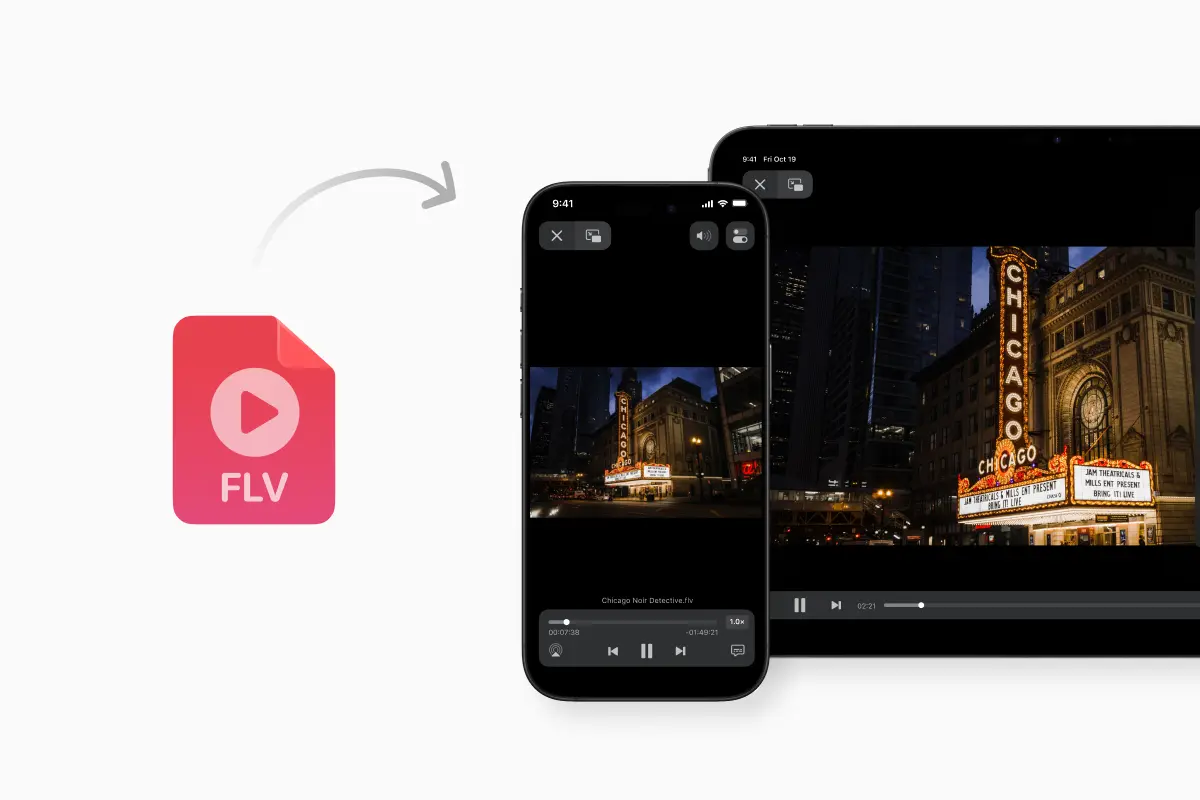
FLV stands for Flash Video. It’s a container format developed for Adobe Flash Player to deliver video over the internet, identified by the .flv file extension. Inside that container you’ll usually find compressed video and audio streams plus metadata, typically using codecs like Sorenson Spark or On2 VP6 for video and MP3 or AAC for audio.
Back when Flash Player was pre-installed in almost every desktop browser, FLV was the default way to stream video on the web. Early YouTube, news sites and video platforms leaned heavily on FLV because it was tuned for Flash’s streaming protocols and gave decent quality at dial-up and early broadband speeds.
So when you ask “What is a .FLV file and what is it used for?”, the short answer is: it’s a Flash Video container designed for browser-based streaming in the pre-HTML5 era.
Why FLV vanished from the modern web
Flash Video was wildly successful for a while, but it was built on top of Flash Player, and that’s what ultimately killed it. Over time, Flash became a liability: constant security issues, high CPU usage, and no real story on mobile. Adobe officially discontinued Flash Player in 2020, and major browsers disabled it entirely.
HTML5 video and modern containers like MP4 stepped in.
They’re natively supported by browsers, work across phones and TVs, and don’t need a plug-in. That shift is why you rarely see new FLV content in 2026, and why most sites have migrated older libraries to MP4 or WebM.
If you’re wondering whether FLV is “still supported today,” the answer is nuanced: it’s dead as a browser streaming format, but very much alive as a legacy file you can still open, convert and archive.
Is FLV safe to download or use?
FLV itself is just a container. The security nightmare was Flash Player, not the .flv extension. Once you stop using the old plug-in and rely on modern, regularly updated players instead, an FLV file is no more inherently dangerous than an MP4 or MKV. The usual caveats apply: download from sources you trust, keep your media software patched, and let your security tools do their job.
How do I open an FLV file on Windows or Mac?
On a current Windows or macOS system, double-clicking an FLV will often get you nowhere, because the OS doesn’t ship with a native FLV player. The simplest fix is to install a third-party media player that still understands the format.
VLC Media Player is the obvious answer here. It supports FLV as a container, along with H.264, VP6 and other common codecs used inside older Flash videos. If your question is “Can VLC play FLV?”, the practical answer is yes – and it’s usually the first tool worth trying.
On mobile, the situation used to be worse, since iOS famously never supported Flash.
That’s where the Documents app (the iOS companion to Documents.io) becomes useful: it includes a video player that supports a wide range of formats, including .flv, so you can drop legacy files onto your iPhone or iPad and play them without any conversion step.
FLV vs MP4: what’s actually different?
Both FLV and MP4 are containers, not codecs, but they sit in very different ecosystems.
FLV was created specifically for Flash Player and is tightly joined to that world. It typically carries Sorenson Spark or VP6 video and MP3 or AAC audio, and was built for RTMP streaming and embedded Flash players.
MP4, by contrast, is based on the ISO base media file format and has become the standard container for H.264, H.265 (HEVC), and now even AV1 on many platforms. It’s supported natively in browsers, on phones, on TVs, and in pretty much every modern editing suite.
So when you ask “What’s the difference between FLV and MP4?” or “What is better, FLV or MP4?”, the answer is straightforward: MP4 wins on compatibility, hardware acceleration, and future-proofing. FLV only makes sense for dealing with existing files.
Converting FLV: from web fossil to modern MP4
Because FLV is just a container, you can absolutely convert FLV files to other formats. If the codecs inside are supported, a converter can often just re-wrap the streams into an MP4 container; if they’re too old, it can re-encode them into H.264 with AAC audio.
Traditional tools like FFmpeg, HandBrake or even VLC’s built-in converter will do this on the desktop. FFmpeg in particular can read FLV and output MP4 or other containers, which is how a lot of large archives were migrated away from Flash.
If you don’t want to install anything, this is where Documents.io earns its place in the workflow. Documents.io is a browser-based platform for converting and compressing files, including video; you upload a source file and convert it to common formats like MP4, MOV or MKV right in your browser, no software install required.
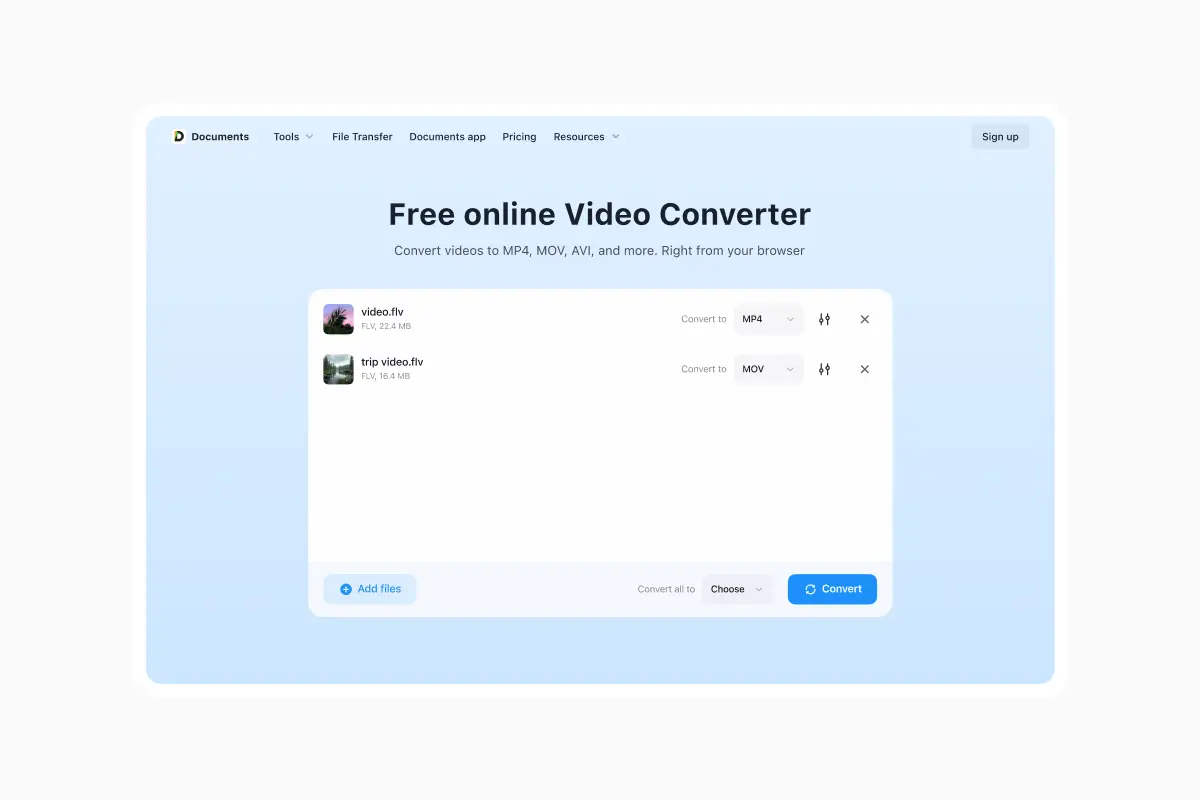
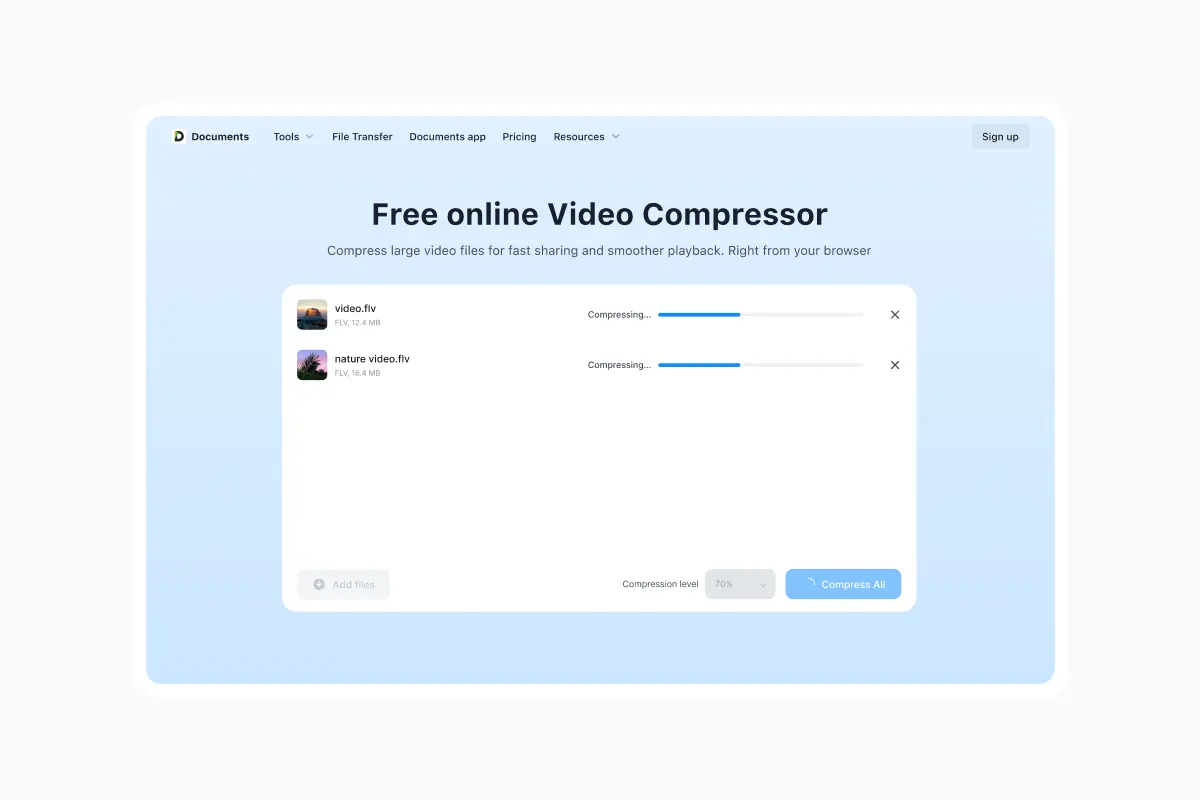
In practice, the flow looks like this: you drag an .flv video into the online Video Converter on Documents.io, pick MP4 as your target, and let the service handle the conversion on its servers. Because it’s web-based, you can do this from almost any device: a locked-down work laptop, a Chromebook, or a tablet with a browser. If you need to shrink the file at the same time, the Video Compressor tool on Documents.io can reduce the size of the resulting MP4 while keeping it watchable.
The advantage here is that you’re not wrestling with codecs locally. If your only interaction with media tools is the occasional “I just want this weird file to play,” Documents.io is the kind of fire-and-forget utility that fits neatly into that use case.
Where the Documents app fits in
If you live inside the Apple ecosystem, Documents.io’s story extends beyond the browser. The same platform is tied to the Documents app for iPhone and iPad: a file manager and media hub that can open a wide variety of video formats, including FLV, and stream them from local storage or cloud drives.
That matters for legacy video because it gives you two complementary paths. You can play an .flv directly on your phone or tablet using the Documents app’s built-in player, or you can push that same file through Documents.io in a browser to convert it to a more modern format like MP4 for long-term storage and sharing. The tools share an ecosystem but don’t lock you into one device.
So what should you actually do with old FLV files?
From a 2026 perspective, FLV is a legacy format, but not a dead end.
For one-off viewing, a capable player like VLC or the Documents app will open most .flv files without complaint. If you care about keeping the content around – or you need to edit it, upload it, or share it then converting the FLV file to MP4 is the smart move.
That’s where a lightweight, browser-based toolkit like Documents.io is particularly useful: it lets you treat FLV as just another temporary container on the way to something more modern, without having to think too hard about codecs or install a full-blown editor. The streaming era that created FLV is over, but with the right tools, the videos themselves don’t have to disappear with it.