
Free online PDF Compressor
Reduce PDF file sizes for quicker uploads and easy sharing. Right from your browser
or drag and drop files here
You might also want to do this



How to compress a PDF file
- 1
Upload your file: drag and drop, use the “Choose a File” button, or select multiple for batch processing
- 2
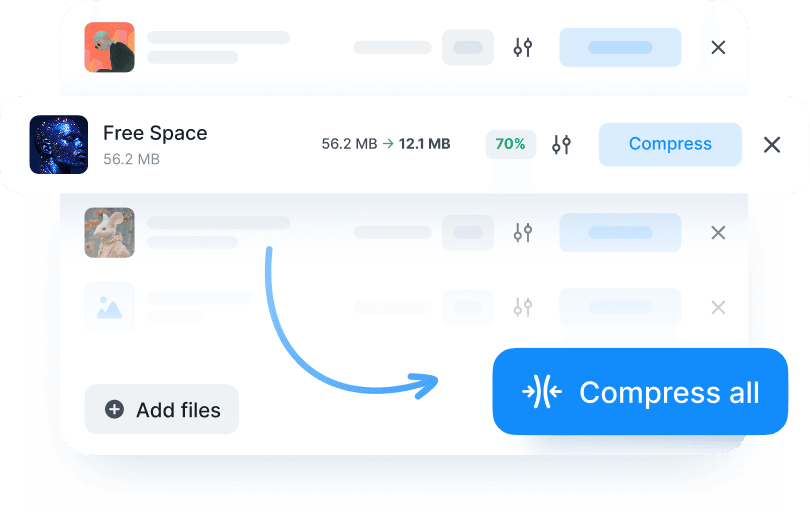
Click the “Compress” button and wait a few seconds. Our online PDF compressor reduces the size automatically. You don’t have to tweak anything.
- 3
Download the compressed PDF
Note: Large files may take a few extra seconds to process.
Why compress PDF files with Documents.io?
Compress PDF without losing visible quality. Fast, easy, and free. Use our online PDF Compressor to reduce the size of your PDF files. No installs. Sign in and then upload, compress, and download in a click.

Secure PDF compression
We care about privacy. Your PDFs are stored temporarily for up to 4 hours before being deleted permanently, so you don't have to worry about cleanup.

PDF compression made simple
Compress PDF and other file types. Our PDF compressor balances file size with visual fidelity. Text stays sharp, images look great, and your file gets smaller.

Built to work together
Compressed PDFs work seamlessly with our other Documents.io tools, letting you compress and then transfer files without any issues.
The PDF compressor you need
A simple tool that works fast and stays out of your way. No ads, no watermarks. You can use it as your go-to file compressor PDF for work, school, or anything in between.

Simple, fast, and free
Komprimieren Sie PDF-Dateien in Sekunden. Halten Sie professionelle Dokumentstandards ein, mit einem Tool, das die Dateigröße verringert, ohne die Layout-Integrität oder Ihre Fähigkeit, große Dokumente hochzuladen, zu beeinträchtigen.

Part of something bigger
Unser kostenloser Compressor wird vom Team hinter der Documents-App entwickelt und lässt sich daher reibungslos in Ihre vorhandenen Tools integrieren.