
Free online Document Converter
Convert documents online in seconds. Right from your browser
or drag and drop files here
You might also want to do this



How to convert documents
- 1
Upload your file: drag and drop, use the “Choose a File“ button, or select multiple for batch processing
- 2
Select your target format (PDF, DOCX, DOC, TXT, etc)
- 3
Click the “Convert“ button and wait a few seconds
- 4
Download the converted document
Note: Large files may take a few extra seconds to process.
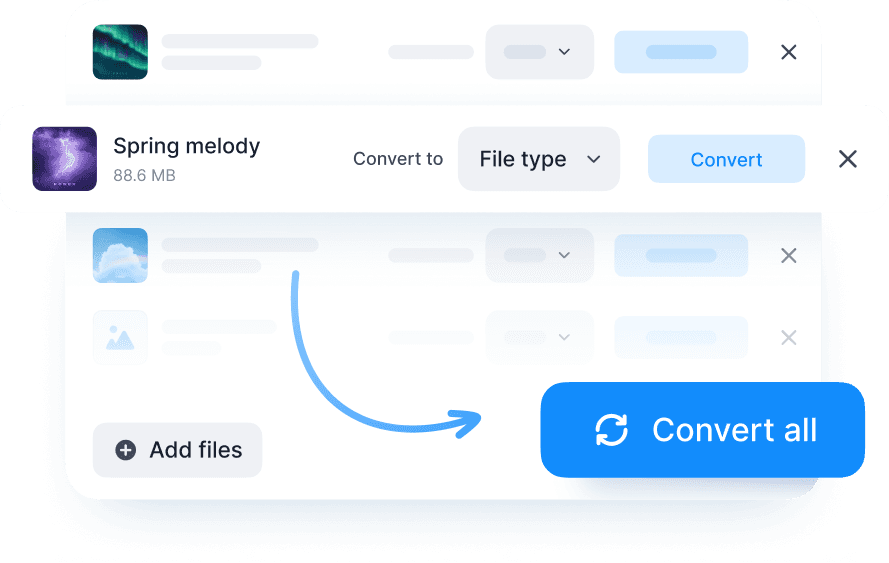
Why convert documents online with Documents.io?
Convert any document into the format you need. Fast, easy, and free. Use our online converter to switch between PDFs, Word files, eBooks, and more. No installs. Sign in and then upload, convert, and download in a click

Secure processing
Datenschutz ist uns wichtig. Ihre Dateien werden vorübergehend bis zu 4 Stunden lang gespeichert, bevor sie dauerhaft gelöscht werden, sodass Sie sich nicht um das Aufräumen kümmern müssen.

All popular formats
Konvertieren Sie PDFs, Word, Excel, TXT, RTF, ODT, EPUB, MOBI, DJVU und mehr.

Convenient ecosystem
Hier verarbeitete Dateien funktionieren nahtlos mit unseren anderen Documents.io-Tools, sodass Sie Dateien ohne Probleme konvertieren und übertragen können.
The document converter you need
A simple tool that works fast and stays out of your way. No ads, no watermarks, just clean conversion.

Einfach, schnell und kostenlos
Konvertieren Sie Dateien in Sekunden. Sie erhalten eine nahtlose Verarbeitung für jeden Upload, mit erhaltener Formatierung. Große Dateien werden unterstützt.

Teil von etwas Größerem
Unser kostenloser Converter wird vom Team hinter der Documents-App entwickelt und lässt sich daher reibungslos mit Ihren vorhandenen Tools verbinden.<br>Konvertieren Sie Dokumente, verschieben Sie Dateien und komprimieren Sie sie. Alles an einem Ort.