
Free online Archive Converter
Convert ZIP, RAR, 7Z, TAR, and more. Right from your browser
or drag and drop files here
You might also want to do this




How to convert an archive file
- 1
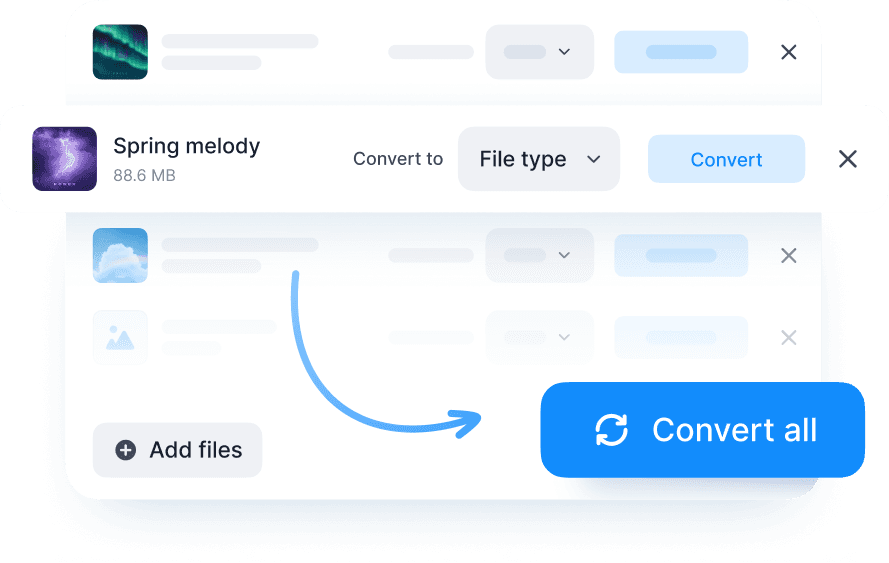
Upload your file: drag and drop, use the “Choose a File” button, or select multiple for batch processing
- 2
Select your target format ZIP, RAR, 7Z, TAR, etc.)
- 3
Click the “Convert” button and wait a few seconds
- 4
Download the converted archive
Note: Large files may take a few extra seconds to process.
Why convert archive files with Documents.io?
Convert your archives to the format you need. Fast, simple, and free. Use our online Archive Converter to switch between archive formats without installing anything. Sign in and then upload, convert, and download.

Files auto-deleted
Files are saved for just 4 hours, then deleted for good. It’s automatic and secure, so your privacy is protected without any extra steps from you.

Works with all major formats
Konvertieren Sie zwischen PDF und Word, Excel, Bildern, HTML, eBooks und mehr.

Made to work together
Verwenden Sie Ihre Dateien über alle Documents.io-Tools hinweg. Nach der Verarbeitung sind sie bereit zum Konvertieren oder Übertragen. Keine Fehler, keine zusätzlichen Schritte, nur reibungslose Ergebnisse.
The archive converter you need
A simple tool that works fast and stays out of your way. No ads, no watermarks, just clean conversion.

Simple, fast, and free
Manche Tools sind überladen. Dieses nicht.<br>Konvertieren oder extrahieren Sie Ihre Archive schnell. Verarbeiten Sie große Dateien mit Leichtigkeit und stellen Sie sicher, dass die gesamte Formatierung für jedes verarbeitete Dokument perfekt erhalten bleibt.

Part of something bigger
Unser kostenloser Converter wird vom Team hinter der Documents-App entwickelt und lässt sich daher reibungslos mit Ihren vorhandenen Tools verbinden.