
Free, wireless File Transfer
Fast and secure file sharing from iPhone to desktop or Android

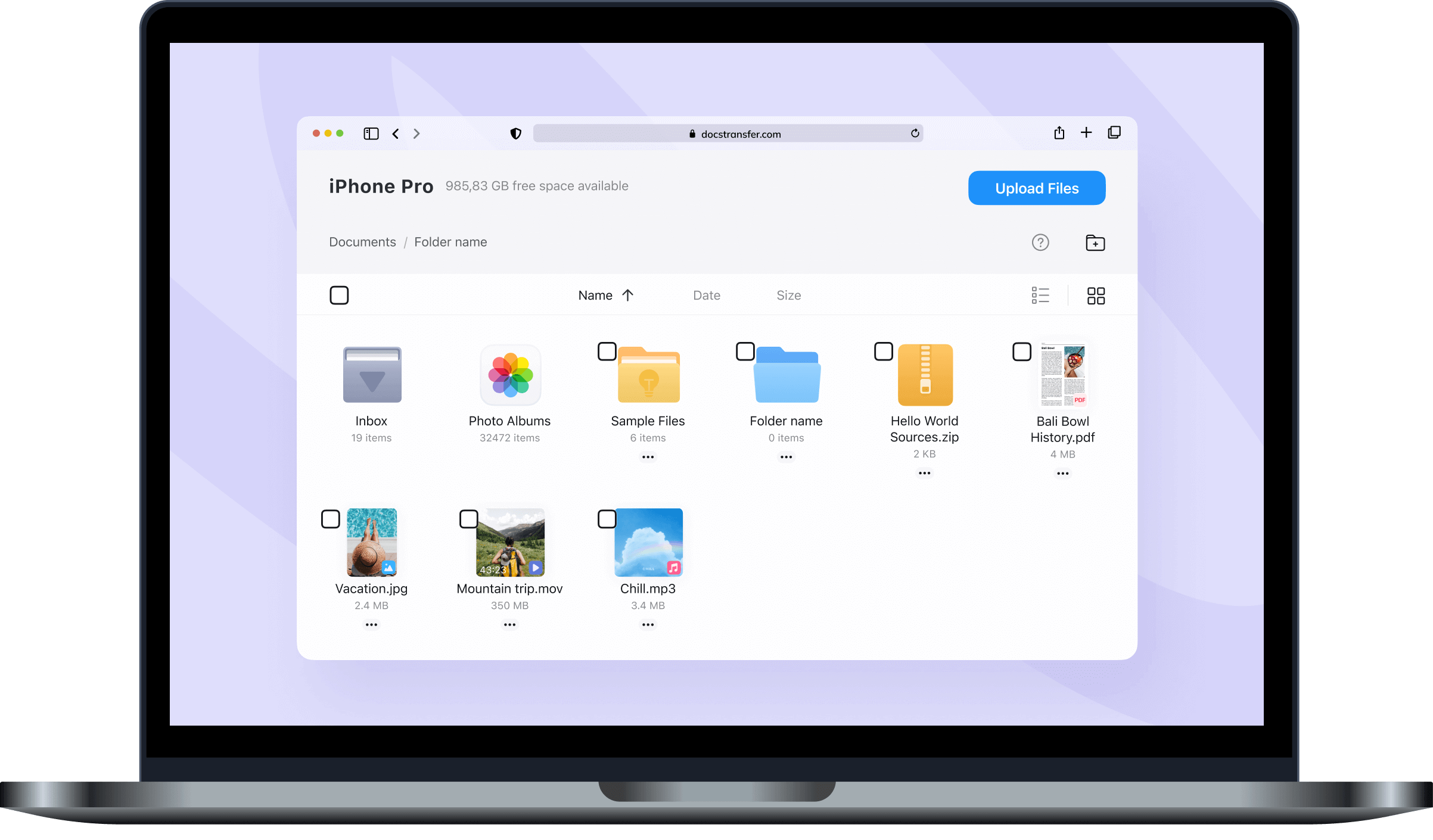
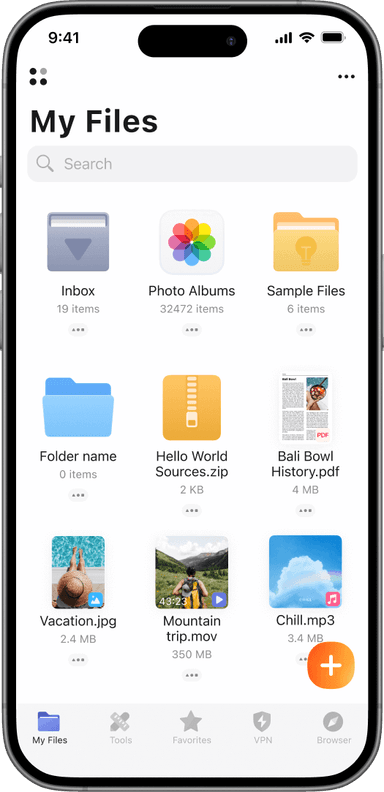




How to transfer a file?
Install Documents app
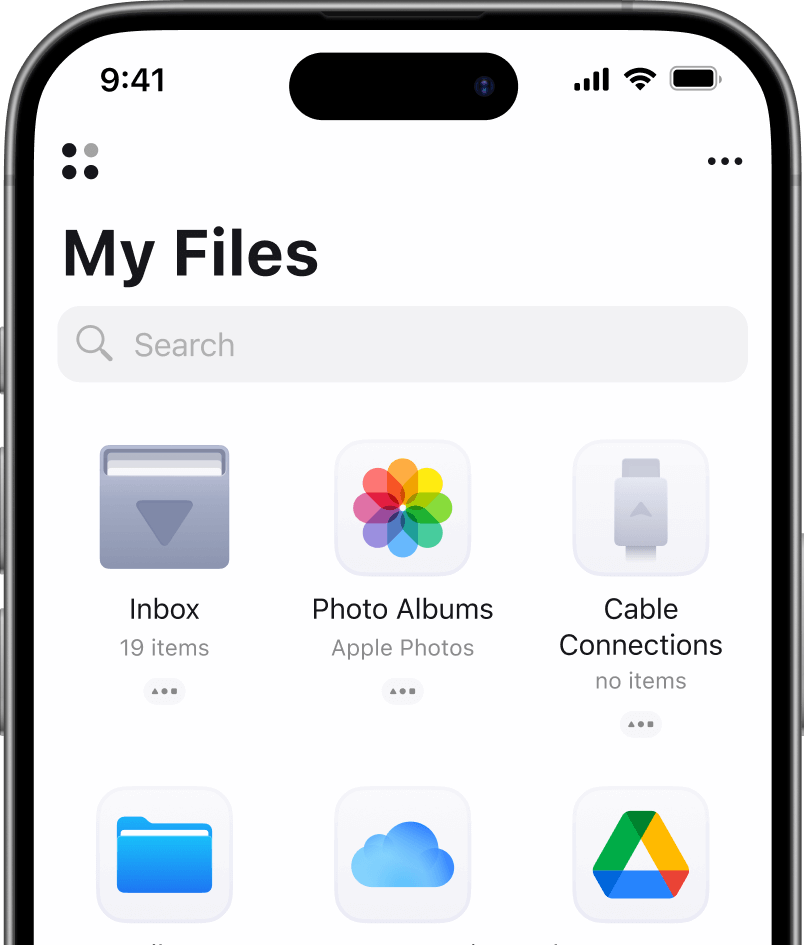
Open File Transfer
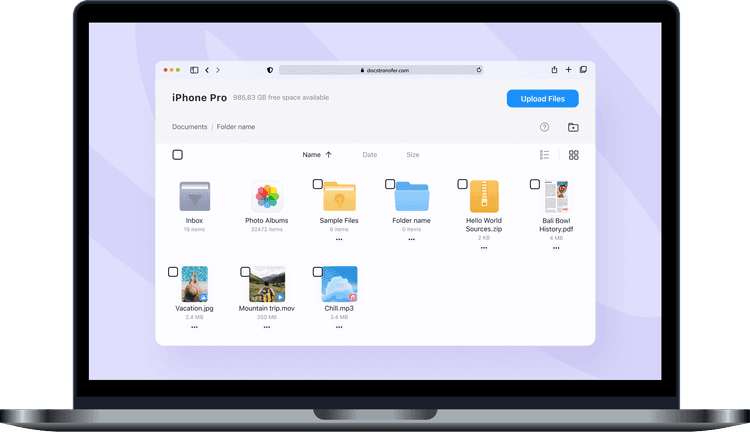
Send or receive files


Note: Both devices should be on the same Wi-Fi network. VPNs or firewall settings might block the connection.
File Transfer to multiple platforms
Fast and secure file sharing from iPhone to desktop or Android. With Documents.io, you can transfer files online of all types, from zip folders to video clips, using just your Wi-Fi connection. It's a fast and cross-platform solution.
Open a browser on the receiving device, scan the code, and you're connected. It works smoothly between iOS and Mac, Windows, Android, or Linux.
All files on device you need
Transfer photos from iPhone
Export your photo library to any computer or Android phone. No iCloud, no AirDrop issues.
Transfer audio from iPhone
Send voice notes, recordings, or entire playlists to your desktop in seconds.
Transfer video from iOS
Move high-res videos to your laptop without using cables or losing quality.

Documents iOS app
More than file transfer. The Documents app is your AI-powered file manager.
Why use our file transfer tool

Wireless (and effortless)
The file transfer tool by Documents is quick, wireless, and free. No cables, no apps to install on your computer.

Wi-Fi direct, no cloud
Transfer works over your local Wi-Fi, so your files stay private. They're never uploaded to a cloud server.

Built into your file manager
If you're already using the Documents app to manage your files, this feature just fits right in.
Frequently asked questions
Files Transfer is a built-in file-sharing tool in the Documents app. It's a free feature for all.
Just about anything: documents, images, videos, zip folders, audio. Most common formats are supported.
You don't need the internet, but both devices must be on the same Wi-Fi network.
Yes, they're secure. Files never leave your network. They're transferred directly between your devices without being stored anywhere else.
Check that both devices are on the same network and that VPN or firewall settings aren't blocking the connection. Restarting the app usually helps too.
Yes, up to 1GB per file. Perfect for full videos, large photos, or compressed folders.
Not at the moment. This is a manual transfer, not automatic syncing but it's fast and reliable.
Nope. Just open the transfer link in your browser. No extra software required.
Yes. We are cross-platform. The receiving device can be pretty much anything as long as it has a browser and is on the same network.
Just the Documents app on your mobile device. On desktop, everything works in your browser. No installs required.
Send anything: PDFs, Word docs, spreadsheets, images, audio files, video, archives, and more. All common file types are supported.